BASICS
Learn how to best navigate your iTOUCH Wireless Earbuds.
4.
Charging:
To charge your case, plug the micro USB into the case and connect the USB end of
the charging cable to a power source. The LED light will flash
RED
to indicate the
case is charging. Once the case is fully charged, the LED indicator will show a steady
RED
light on the case. This indicates that you may unplug the case from the charging
cable.
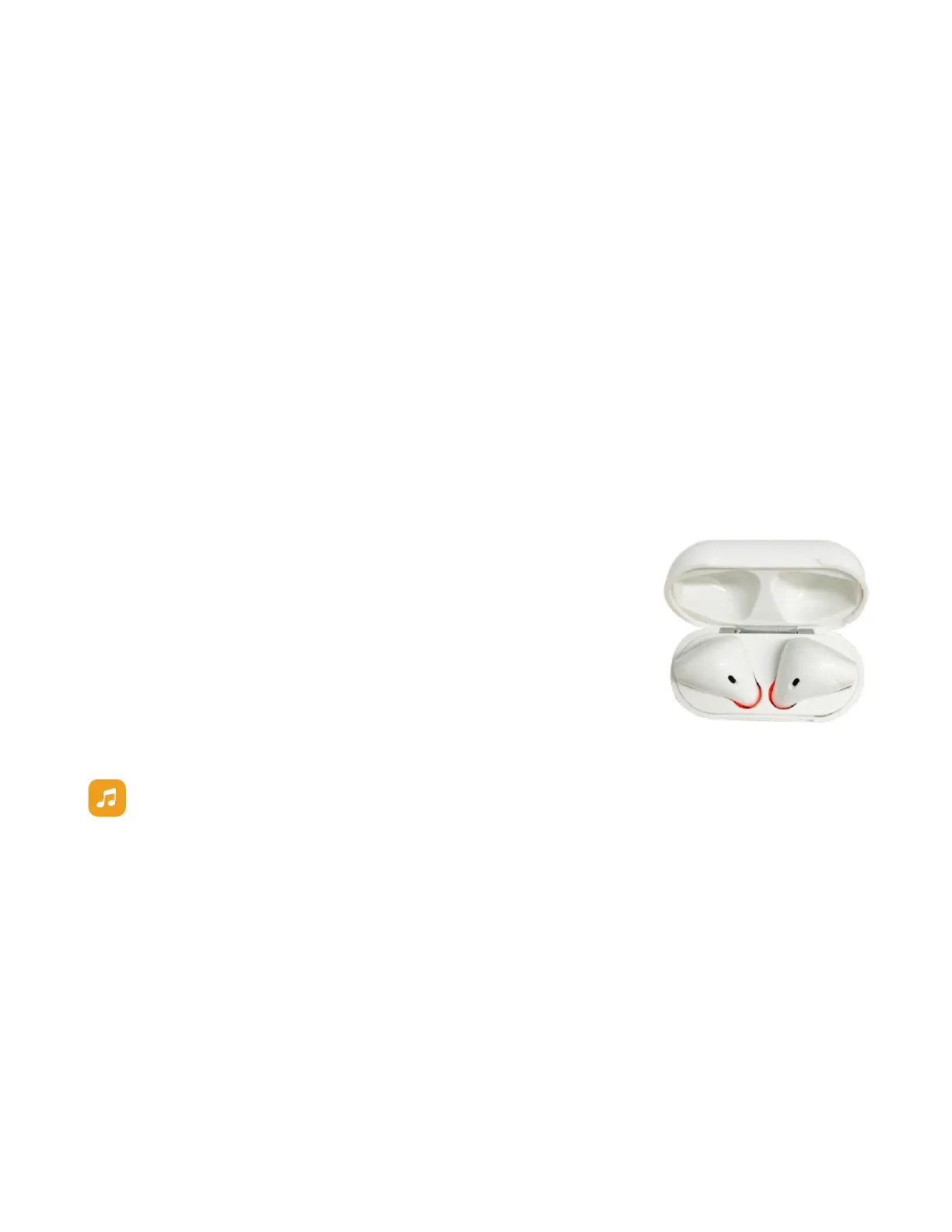
To charge your buds, insert both buds into your fully charged case. The LED light
inside the case will appear steady
RED
and the LED light outside the case will appear
steady
BLUE
to indicate the buds are inside and charging.
The LED light inside the case will turn
BLUE
to indicate that your buds are fully
charged. The LED light on the outside of the case can remain blue for several minutes
after the buds are removed.
Learn The Basic Functions of your iTOUCH Wireless Earbuds:
•
Click:
pla
y
/
pause
,
ans
w
er
/hang
up
•
Double click: redial most recent call
•
Long press for 2 seconds: next song
•
Long press for 5 seconds: power on/off
Compatibility
Your Earbuds are compatible with various applications such as Apple Music,
Spotify, and Pandora. However, they may not support other third party
applications.
LED Light Indicator on Earbuds
•
Alternately flashing
RED
and
BLUE
: Pairing mode
•
Flashing
BLUE
once every 5 seconds: Connected to device
•
Flashing
RED
: Powering off
LED Light Indicator on Case
•
Flashing
RED
: Case and Earbuds are charging
•
Steady
RED
: Case and Earbuds are fully charged
•
Steady
BLUE
: Earbuds are charging in the case


 To Next Page
 Loading...