35
Section 3. Making Connections
77-0100-001 12 September 2000
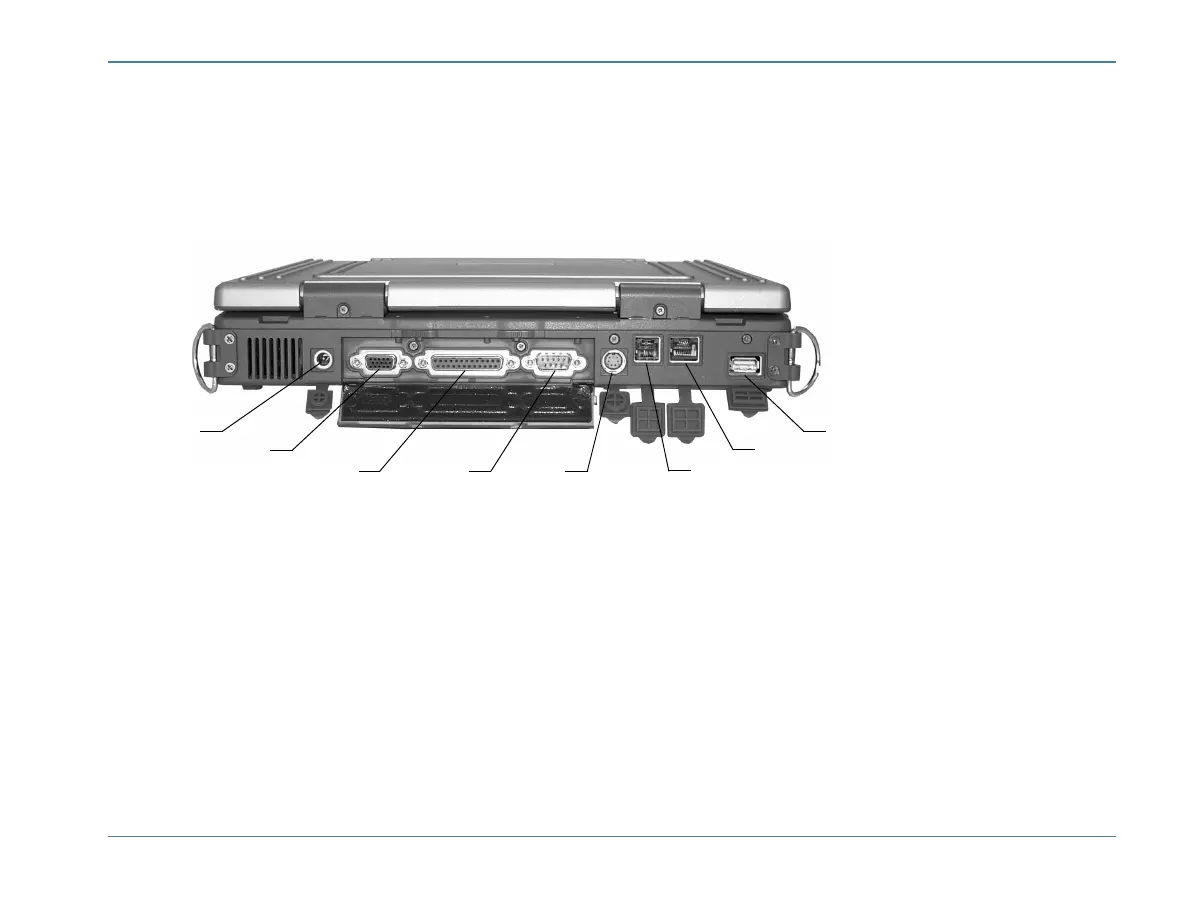
Rear Connectors
You will find the serial, parallel, and VGA ports under the port cover at the back of the computer.
1 DC-in Jack
Connect the DC power cable from the AC adapter to this jack.
2 VGA Out (External Video) Port
The 15-pin monitor port can connect your computer to an external monitor.
1
2
3 4 5
6
7
8



 To Next Page