80
GoBook Users Manual
77-0100-001 12 September 2000
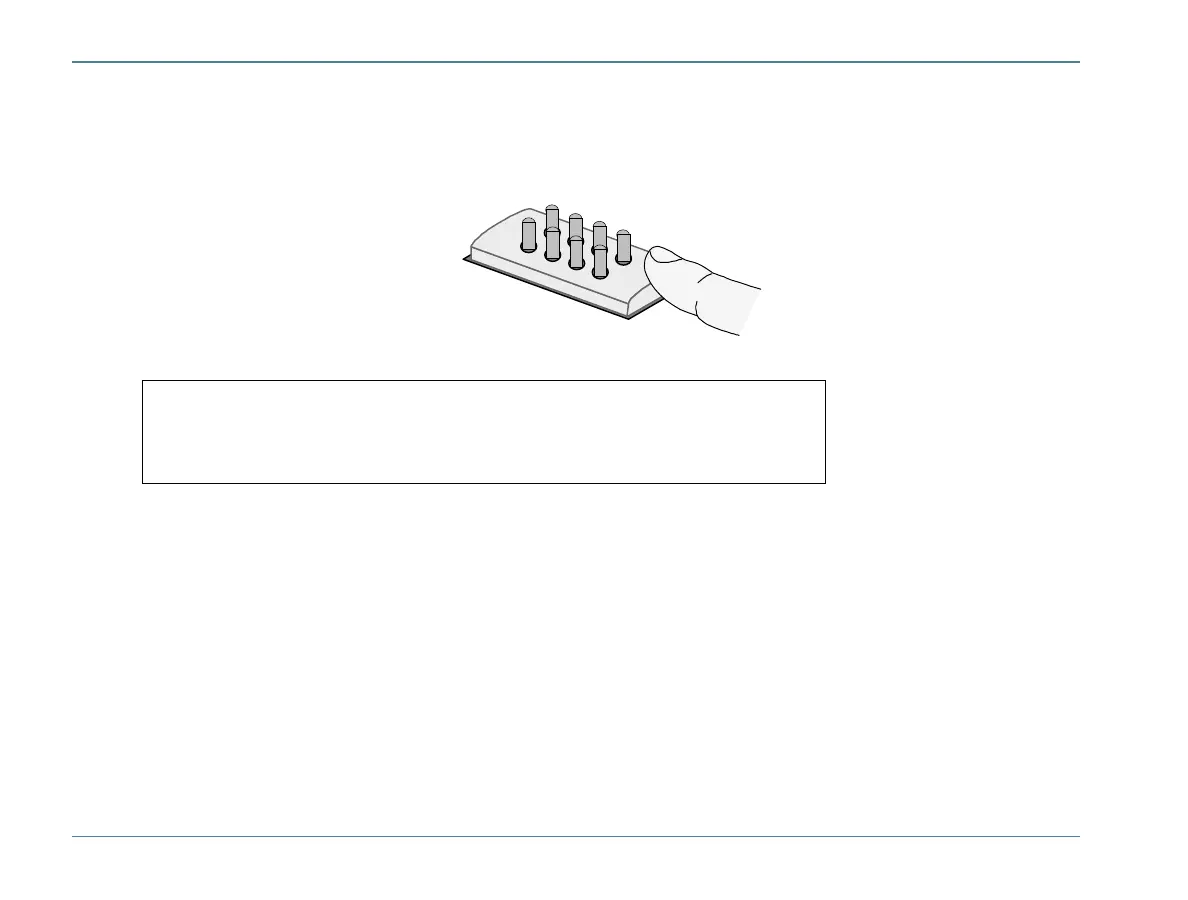
3 Clean the pin with electrical contact cleaner and reinstall it into the cradle contact assembly.
If a pin is bent or cannot be cleaned, contact your support desk to obtain a replacement pin.
4
1
5
8
Surge Protection
A large number of computer and high technology equipment damage is directly related to AC power and telephone
line problems. These problems can include surges, spikes, noise, interference, and weather-related problems, which
in turn can cause glitches, hang-ups, crashes, performance slow downs, and down time with computer equipment.
The market is flooded with hundreds of AC power line surge suppressors advertising high performance surge
protection; only a few of them actually provide adequate protection.
This section provides guidelines for selecting a quality surge suppressor to be used with your GoBook, and it helps
identify a few sources for products with acceptable performance.
Note Pin 8 on RF units is an RF connector and is not user replaceable. Contact
your support desk for information about replacing this RF connector.



 To Next Page