Stay connected.
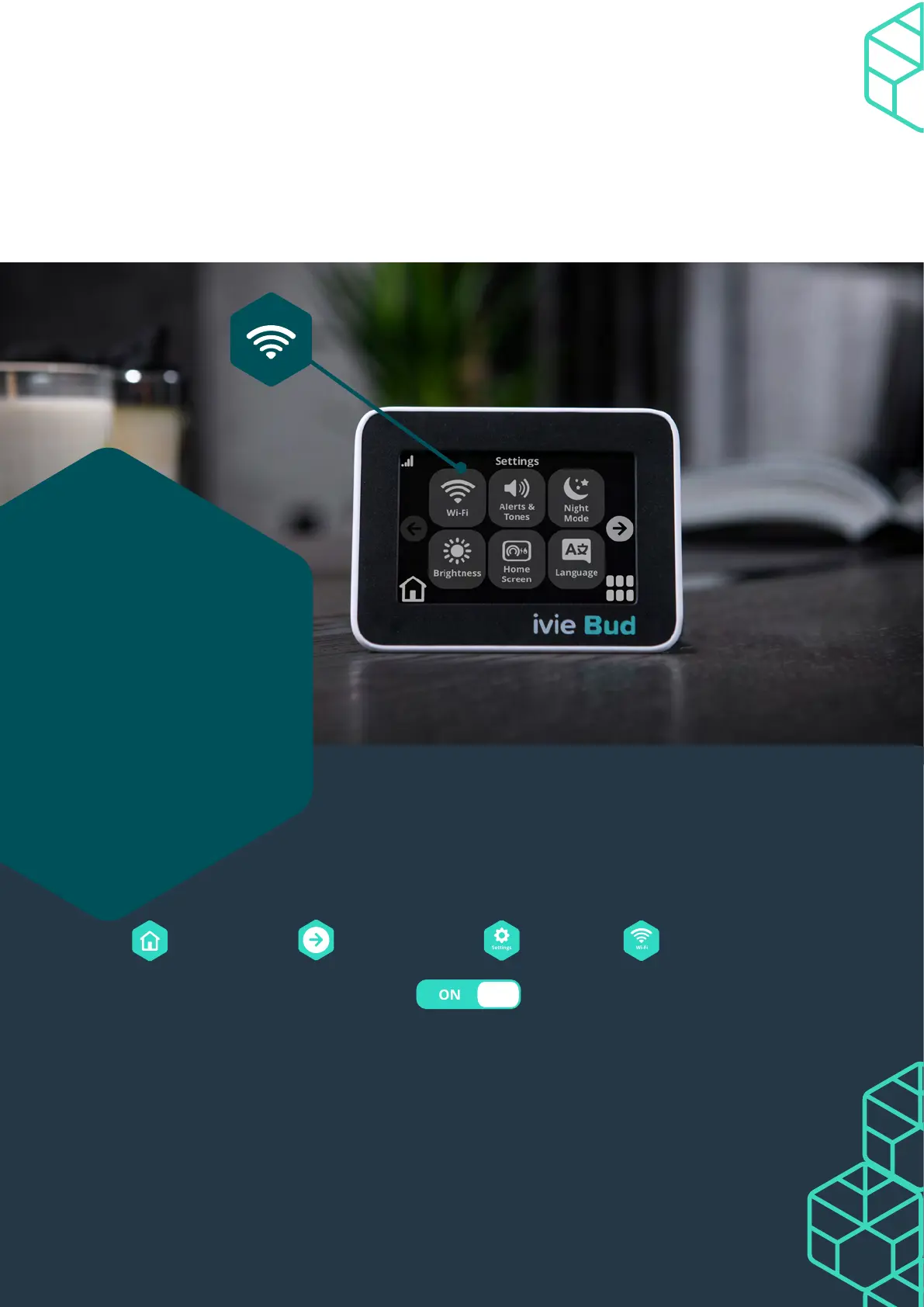
Connecting your ivie Bud to Wi-Fi keeps you in touch with the latest updates. You
won’t miss any of the new features and your ivie Bud will run like a dream. It keeps
your security ticking along nicely too. So it’s pretty important to stay connected.
Check out the steps
below to see how to
get it back up and
running again.
Your ivie Bud’s
oine?
1. Press then use the to scroll. Press and press .
2. Turn your Wi-Fi on with this button . You can connect using four
dierent options. Scan for networks, WPS Push, WPS PIN, or Network name. We
suggest using Scan for networks.
3. Choose the one that’s right for you by tapping your choice and following the
prompts. You’ll be back on track in moments.
Connecting to Wi-Fi.


 To Next Page