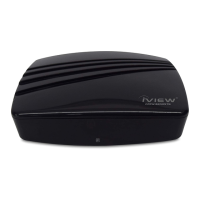
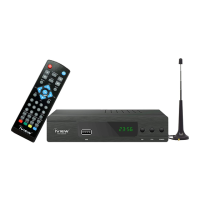
1. Power on/off button
2. Change channel up button
3. Change channel down button
4. Remote control signal sensor
5. LED display: The LED shows "----" When start the converter box and enter "memu". It shows "boot"
when factory status or after reset, and shows channel number when play program.
6. Signal Lights: After the channel search is complete the Lock light will turn green. If the signal cannot
be received the light will go off.
7. Power lights
8. USB jack



 To Next Page
 Loading...