| 5ENGLISH
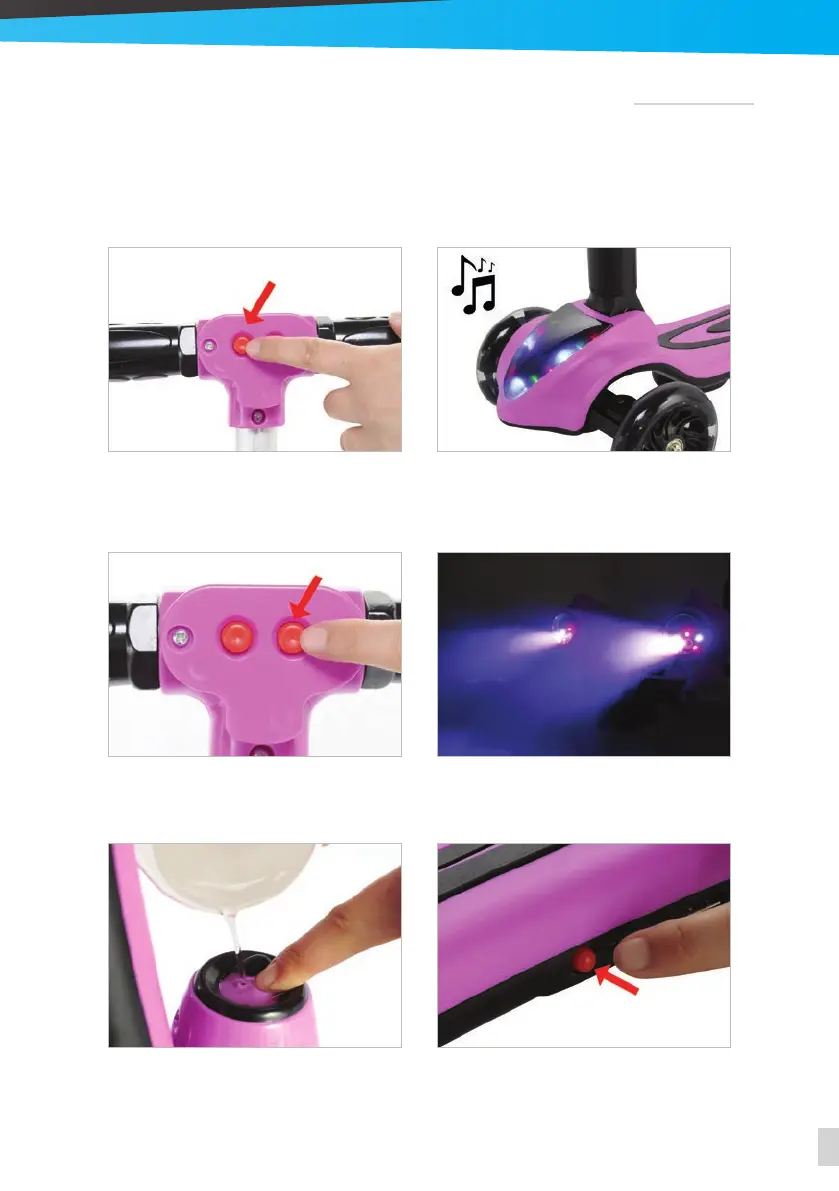
3. Press the right button and the smoke and the
LED lights will work for two minutes.
4. When they turn o, press the button again
to turn them on.
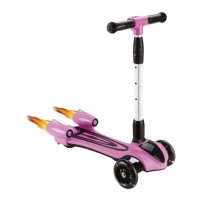
5. For the smoke to work, fill the tanks with wa-
ter. Press and hold the button in each reactor
while you pour the water.
6. Make sure you turn the scooter o when you
stop using it.
using the dierent features
1. Press the left button once and the lights will
turn on. Press it again and the music will start
playing.
2. To increase the volume, press the right but-
ton, to lower the volume, press the left button.
To turn the scooter on, press the button on the base and then press and hold the left button
for 5 seconds until you hear the engine.
• The left button controls the music and the LED lights.
• The right button controls the smoke and the LED lights.


 To Next Page