28 | 29
Operating the chronograph
Start: Start the chronograph by pressing the start-stop
button.
Stop: Stop the chronograph by pressing the start-stop
button again.
Resetting: Press the reset button. This will cause all
the chronograph hands to fly back to the zero position.
Aggregate time recording: You can add the stop times
together by pressing the start-stop button again, instead
of the reset button, after taking the first measurement.
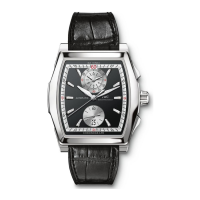
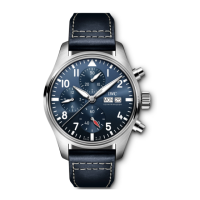
Seconds counter: The graduation for the central
seconds stop hand is situated at the edge of the dial.
Minutes counter: The 30-minute graduation with a slow
jumping hand is situated at 12.00 on the measurement
indicator. This hand makes two complete revolutions in
one hour.
Hours counter: The 12-hour graduation with short lines
for the
1
⁄2-hour indication with a continuous hand is
situated at 6 o’clock on the measurement indicator.




 To Next Page