14
ENGLISH
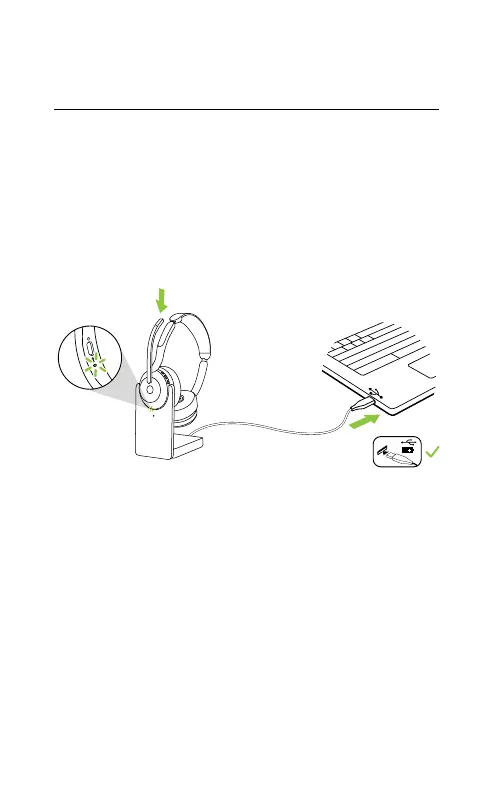
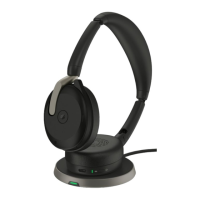
4.2 Charge using the charging stand
(optional accessory)
Connect the charging stand to a powered USB
port on your computer using the supplied
charging cable, and then dock the headset in
the charging stand. Alternatively, the charging
stand can be plugged into any powered USB
power supply.
Powered USB port
The battery LED on the headset will flash white
briefly to indicate the headset has been
correctly docked with the charging stand.
The battery LED will then briefly flash green,
yellow or red to indicate the current battery
charging status. When the LED turns solid
green, the headset is fully charged.


 To Next Page