23
ENGLISH
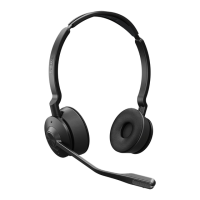
7.4 Mute/unmute using the
microphone boom-arm
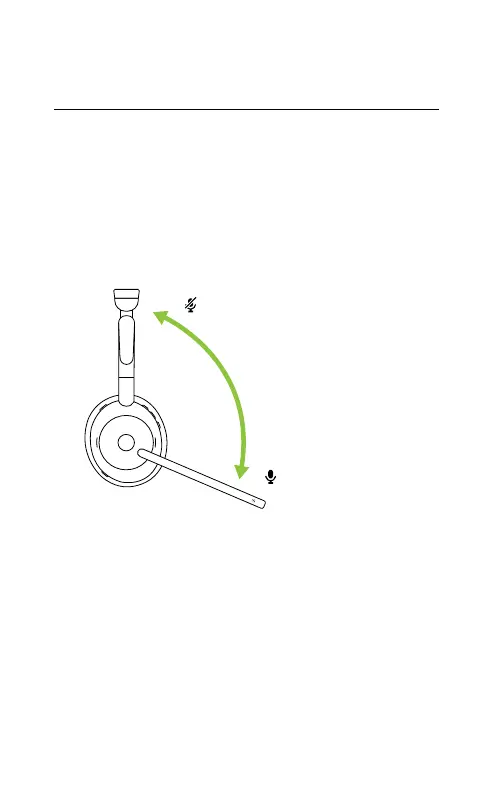
The headset microphone can be muted by
moving the microphone boom-arm up, or
unmuted by moving it down. This feature is on
by default, and can be disabled using Jabra
Sound+ on your smartphone or Jabra Direct on
your computer.
Mute microphone
Unmute microphone


 To Next Page