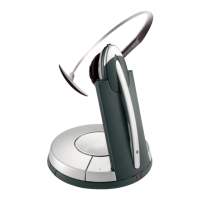
Jabra Motion Office
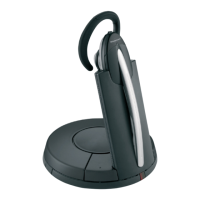
How do I connect my Jabra Wireless headset with the Jabra
GN1000 remote handset lifter (RHL) to my standard desk
phone so I have remote call control using my headset?
Connection:
1. Connect the AC adapter (supplied with the headset) to the headset
base, and connect the other end to an electrical outlet.
2. Disconnect the phone handset from the phone base, and then connect
it to the socket that is marked with a handset icon on the headset
base.
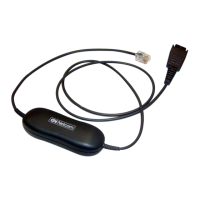
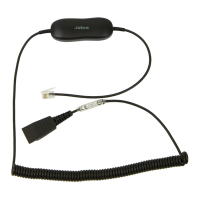
3. Connect the modular connector (supplied with the headset) to the
handset interface on your desk phone, and connect the end with the
blue band to the headset base socket that is marked with a phone icon.
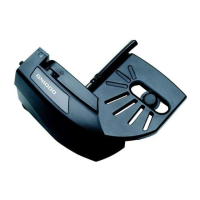
4. Connect the attached cable of the GN1000 RHL to the AUX interface
on the headset base.
5. Mount the GN1000 RHL onto the handset cradle of the desk phone
using the provided adhesive.
6. Rest the desk phone handset on the GN1000 RHL arm and ensure that
it presses the desk phone hook switch.
https://www.jabra.in/supportpages/jabra-motion-office/6670-904-102/faq/7e8d249a-
a425-4d8b-8dd6-895e050b93f7
Page 1 of 2

 Need help?

 To Next Page
 General