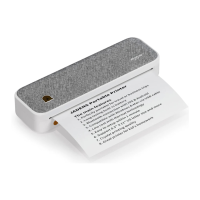
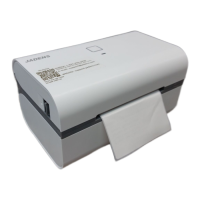
A4 Printer
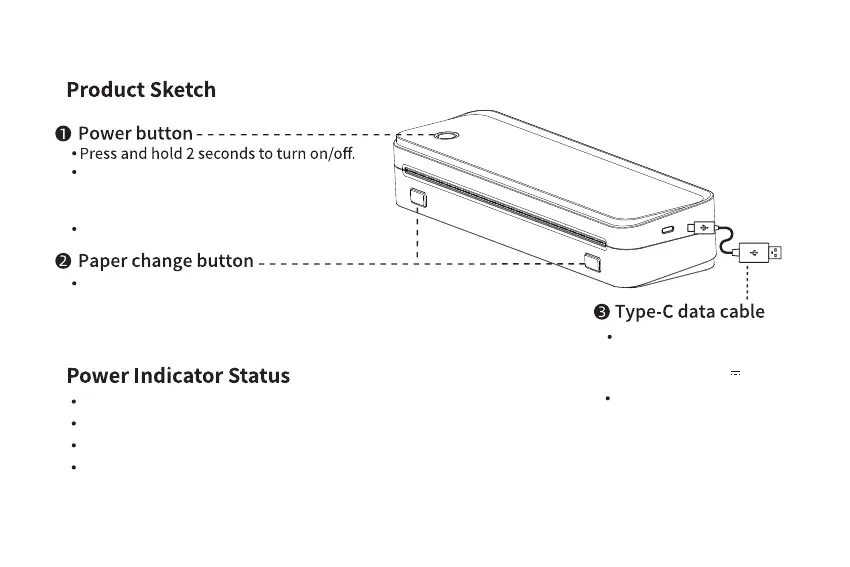
Connect the printer with
computer to print.
Double click the power button to print
the QR code to connect the printer with
smart phone app.
Charged with mobile phone
charger or power bank.
(Input Power: 5V 2A)
1
Green light on: Normal use status/full charged.
Red light on: Cover opened/No paper/Over-heat/Charging.
Green light flashing: When paper suction mode, please feed fold paper.
Red light flashing: Low battery, please charge in time.
Press the buttons at the same time to
open cover and exchange paper.
Click once to terminate printing.


 To Next Page