Need help?
Do you have a question about the Jazz Speakers J-9940W and is the answer not in the manual?
Describes controls on the front of the center speaker.
Details the controls on the rear of the subwoofer unit.
Explains how to select channels for wireless transmission.
Explains the functions of each button on the remote control.
Instructions on how to restore the system to its original settings.
Detailed specs for subwoofer, satellites, and center speaker.
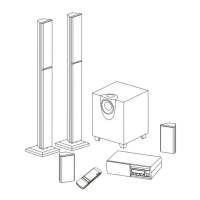
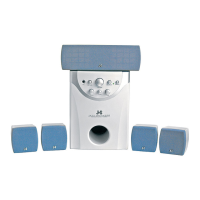
Lists included items and optional accessories.
Advises on proper placement, cleaning, and handling of speakers.
Step-by-step guide for connecting all components of the speaker system.
Illustrates how to connect the system with a PC.
Illustrates how to connect the system with a DVD player.
 General
| Brand | Jazz Speakers |
|---|---|
| Model | J-9940W |
| Category | Speaker System |
| Language | English |

 To Next Page