32
Driver Installation
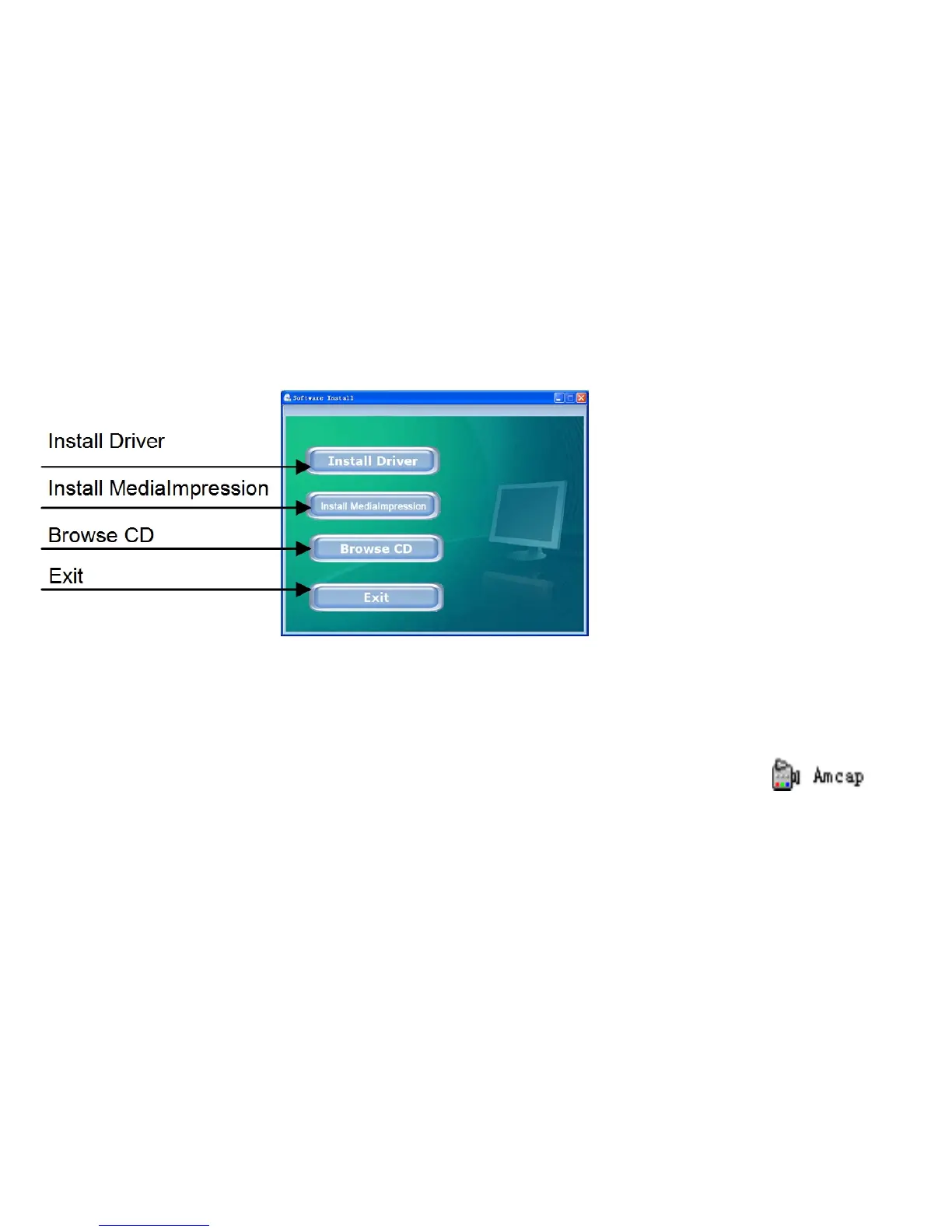
Insert supplied CD into CD-ROM, and the installation guide program will run automatically.
There are four keys on the guide window:
Click the Install Driver button and follow steps to finish installation.
Restart computer when installation completed.
The installed Driver will be indicated as the “SPCA1528 PC Driver” with an icon
inside computer’s Start → All Programs list.
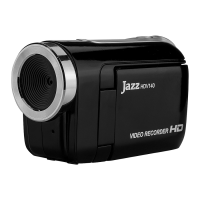
Now you can activate PC web-cam mode and connect video recorder to the computer using USB
cable.


 To Next Page