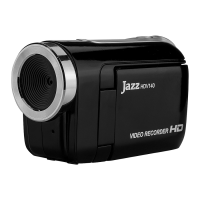
Condition Cause/ Remedy
Insufficient power, please install new batteries.
The video recorder can
not be turned ON
Batteries installed incorrectly.
Reinstall batteries, note correct polarity alignment.
The SD Card is not inserted.
Insert the SD card for photo taking / video recording.
Can not take a picture or
make any records
Write protection switch on the SD card is set to LOCK (locked)
position. Remove the SD Card and set the switch to non-LOCK
position and re-insert the card..
Unclear or blurred
photos
Keep recorder steady while making video recordings or taking
photos. Use a tripod or support while recording.
Dark photo or videos
Insufficient light during video or picture taking. Use exposure
control or add an additional light to improve light condition.
Insufficient power remaining- please replace the batteries.
Automatic shutdown
To save power, the video recorder automatically shuts down after
one minute, three or five minutes of inactivity.
Video or Photo file can
not be deleted
Write protection switch on the SD card is set to LOCK position.
Remove SD card and set the switch to non-LOCK position and
re-insert the card.
HDV102 – 20111031


 To Previous Page