17
1. Firstly, connect the network. Then, open the Calend ar and add your name,
E-mail add ress, and password into the pop-up dialog box. Then tap Next
step.
2. During setting of the e-mail account, input information according to the tips.
3. After completion of setting, the system will exit from thi s interface
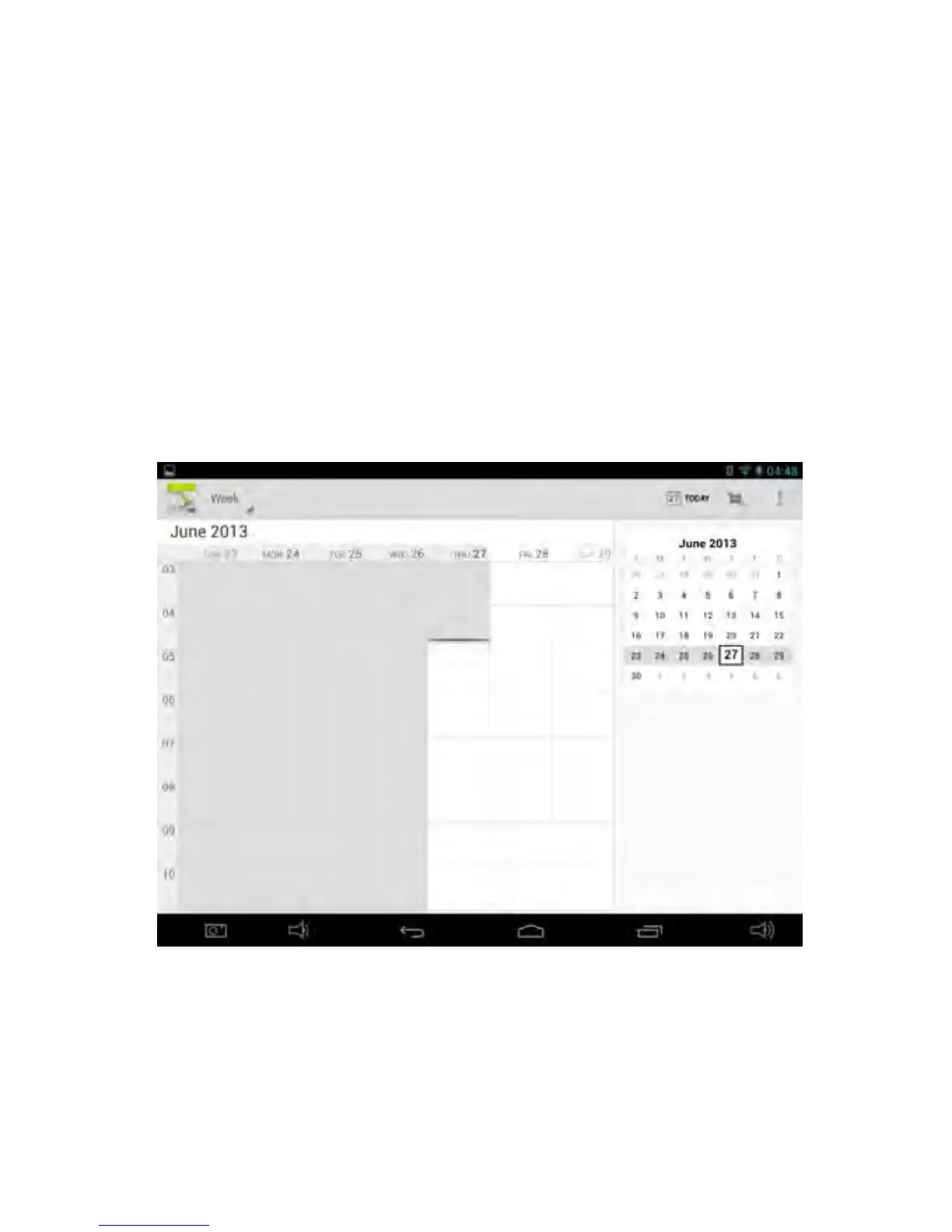
automatically. It will then en ter Calendar i nterface to set date, time and
memos. (Note: The pre-set E-mail account can be deleted. U ser can also
add new E-mail accounts.)
4. Options of Day, Week, Month, Age nda,
Today,
New event and menu button
are displaye d on the top of Calendar interface.


 To Next Page