Do
Do
Do
Do the
the
the
the following:
following:
following:
following:
1.
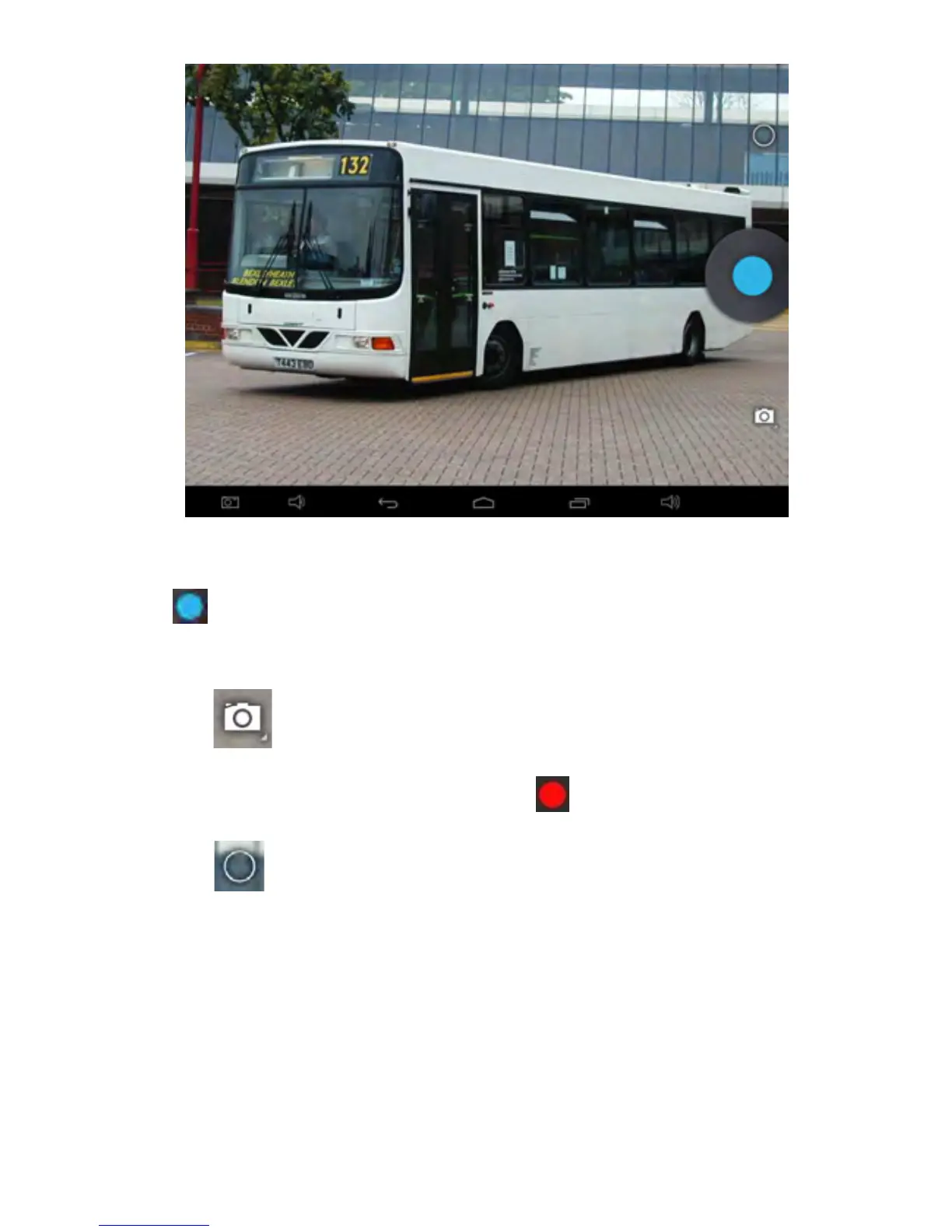
Tap
to take photos. It is able to sav e photos under th e root directory—
DCIM/ CAMERA in the tablet.
2.
Tap
the icon at the botto m right co rner to switch f rom the shooting
mode to the recording video mode.
Tap
to record video.
3.
Tap
the icon to change the scene through the front camera to that
through the rear camera and vice versa.
22


 To Next Page