33
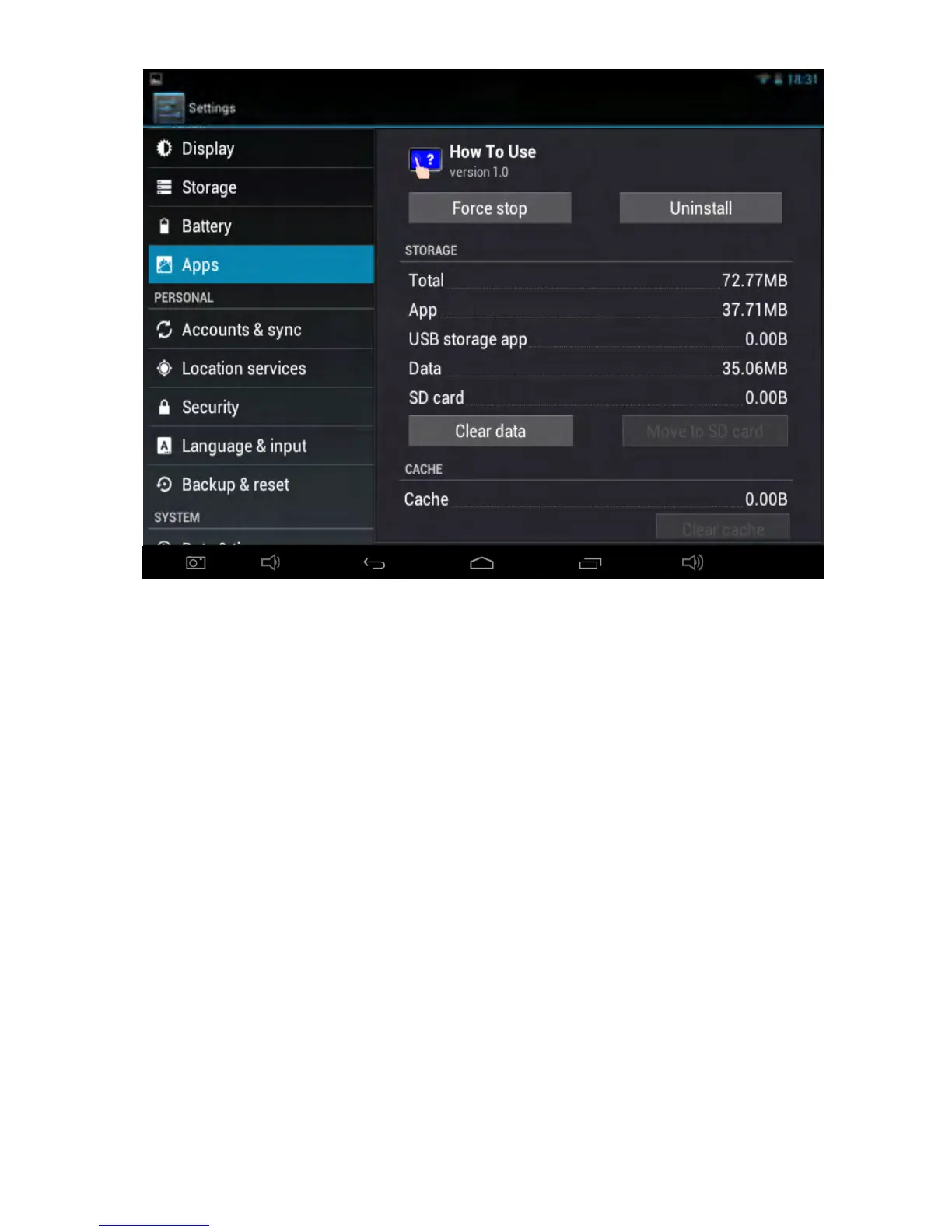
Tap
Uninstall button to close the application program, the icon of which will
disappear.
10.2
10.2
10.2
10.2 Forced
Forced
Forced
Forced Shutdown
Shutdown
Shutdown
Shutdown
Press and hold the Power key for several seconds to turn off the tablet by force.
10.3
10.3
10.3
10.3 Restore
Restore
Restore
Restore Default
Default
Default
Default Settings
Settings
Settings
Settings
To
restore the f actory-settings an d erase all data, press Settings icon-Backup &
reset-Factory data reset.
Warning: After resetting the tablet, the sys
tem wil l delete the Google account,
data and settings of the system and application programs, as well as
downloaded application programs. Please use this function with extreme
caution.



 To Next Page