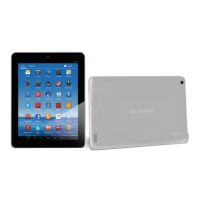
5
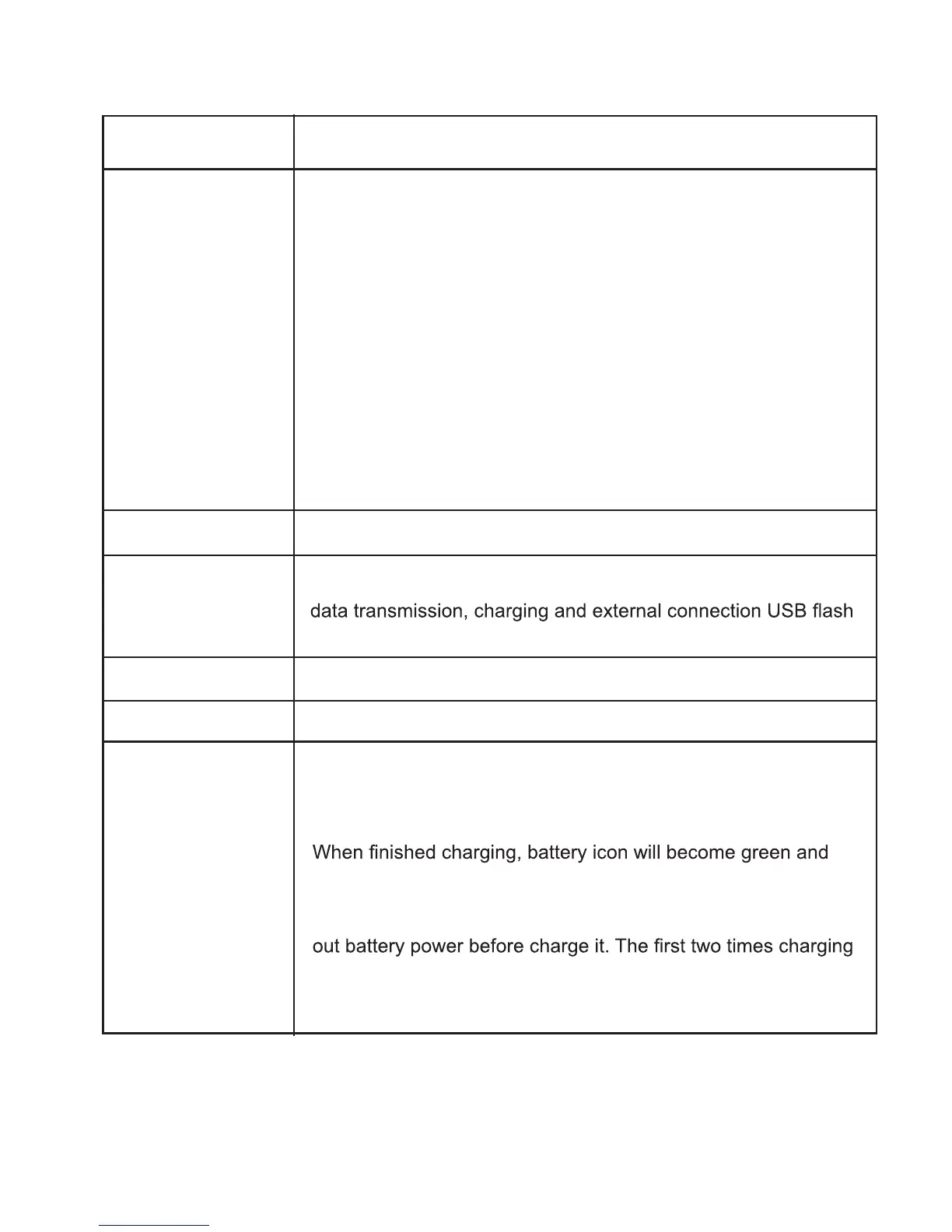
Name Function
3.5mm’ earphone connector
External TF card slot
Power button
Micro USB
Earphone
TF card reader
Battery
Charge
Micro USB jack: you can use it to connect the computer for
drive
In startup: Long Press and hold the button. The system enter
the main interface.
In Shutdown: In the main menu interface, press the button
about 5 seconds to shutdown the tablet. System will show
“Power Off”. Then click “OK” so you can safely shutdown
Lock screen: Short press Power button to lock screen or unlock
screen.
Remark :
1.When power is empty, system will shut down automatically.
2. Illegal turn off the device, restart will scan and restore the disk,
it may take longer time to enter into system.
3.Forced shout down: if the device has no response, press and
hold the power switch for 7 seconds to switch off the device by
force
You can charge the battery through the micro USB port
connected to a PC. Only use external ULTRATAB DC charger.
During the charging, the battery icon will scroll
stop rolling
In order to prolong the service life of the machine, suggest use
please keep about 6 hours, after that you just need 4 hours to
charge
HDMI
HDMI output to TV.


 To Next Page
 Loading...