7
2.2 Connection with PC
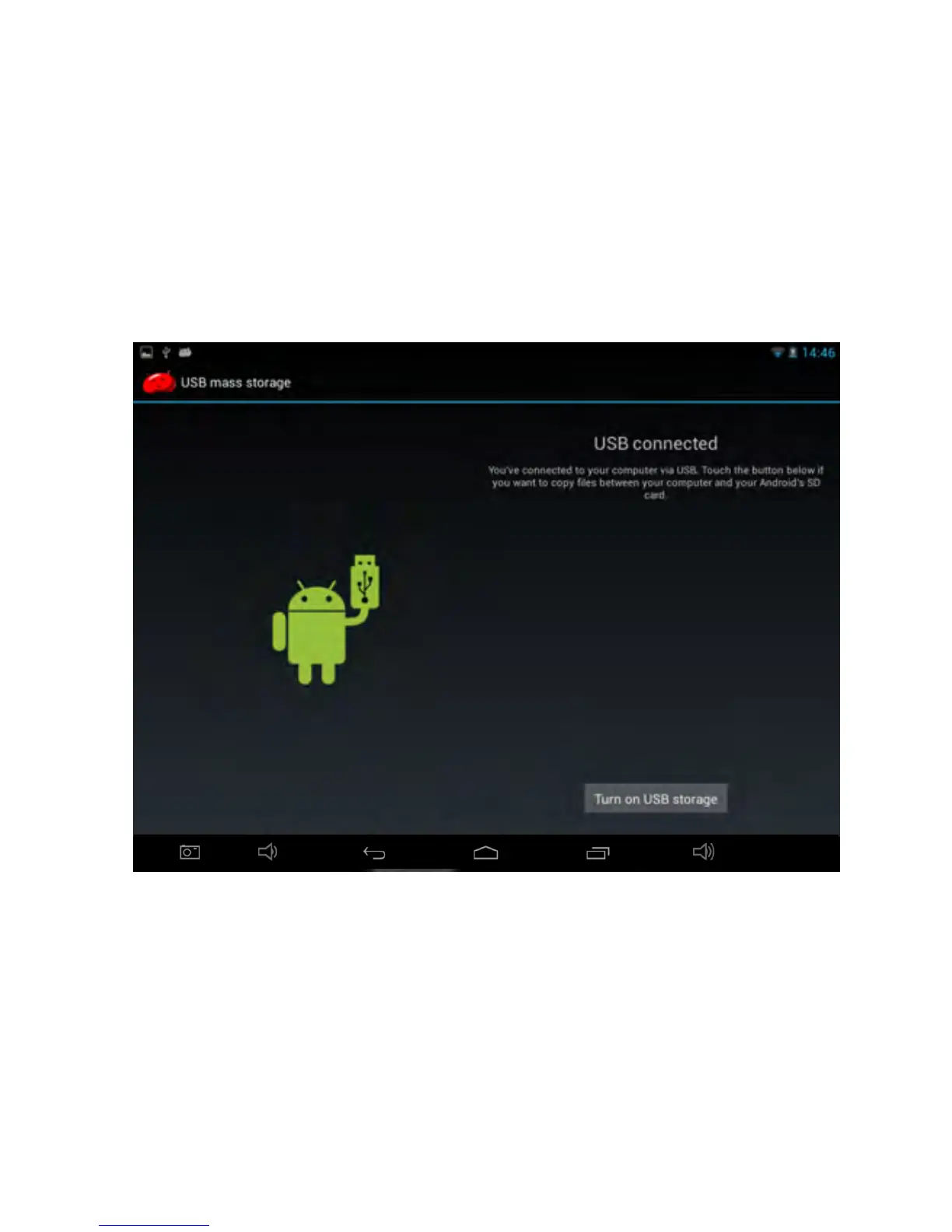
Use USB cab le to connect the device to a PC. After several seconds,
click the lefttop topcorner of the scre en . A menu comes out on the left
corner. Click the option ‘USB connected’. The device will pop up the USB
connection windo w. Click ‘Turn on USB storage
’
to connect to PC.
In storage mode, it can copy; delete the file on the device and the file on the
memory card.


 To Next Page