! 2-Pre-outs
! U.S. and European tuning
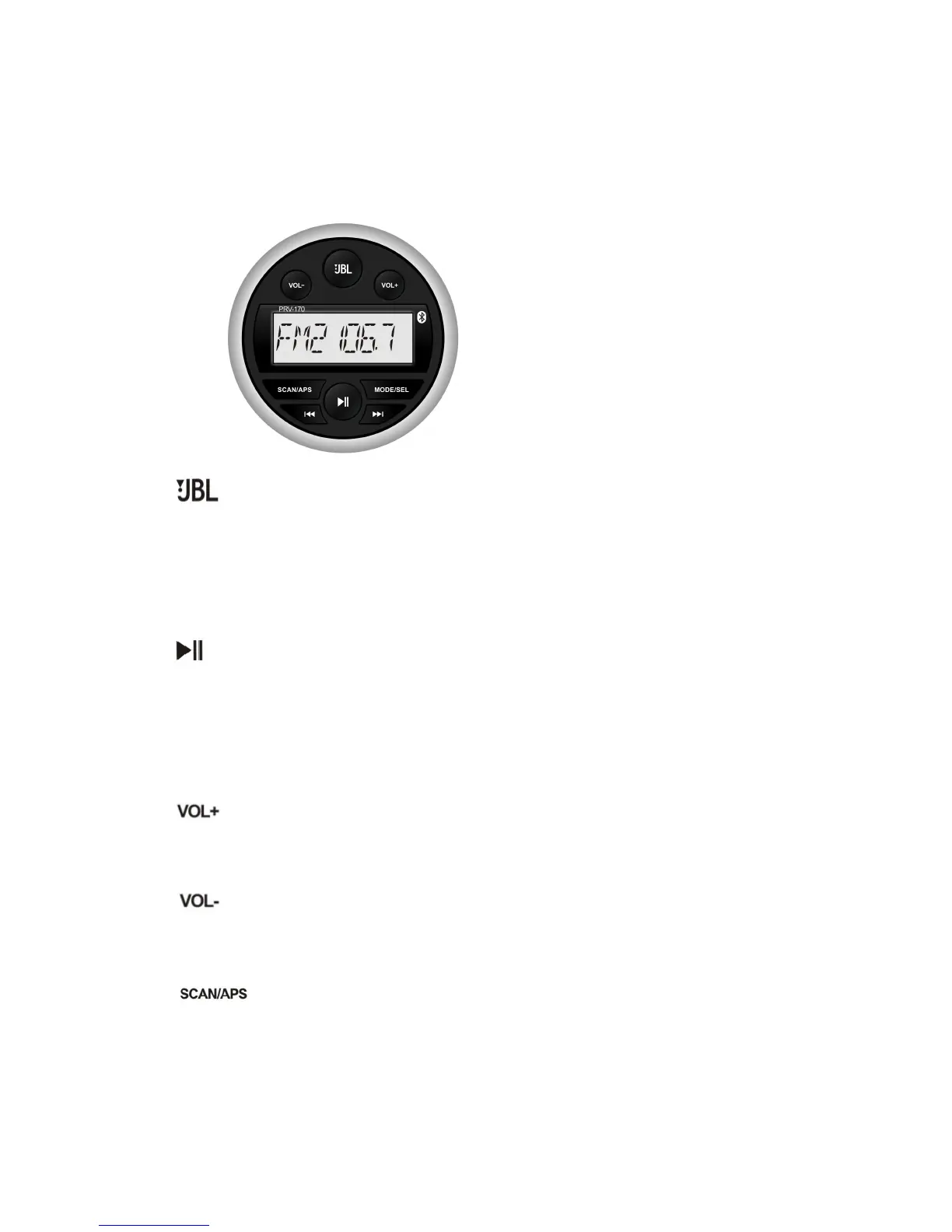
. Front Panel Layout
• To turn on the unit, press the JBL button.
• Once the unit is on, a quick press will MUTE the stereo.
• Once the unit is on, a long hold (pressing down for 2 seconds) of the JBL
button will turn the unit off.
In radio mode, pressing this results in switching between radio bands ie FM1,
FM2, FM3, AM1, AM2.
In USB and Bluetooth mode, short press this button to Play/Pause the current
track.
Volume Increase
Volume Decrease
In USB mode, short press until display flickers, then use VOL+/VOL- buttons to
search a specific track. Long press MODE/SEL button to accept and play.
In Radio mode, a short press of the SCAN/APS results in auto seek function; a
long press results in APS (Auto Pre Set) function.



 To Next Page