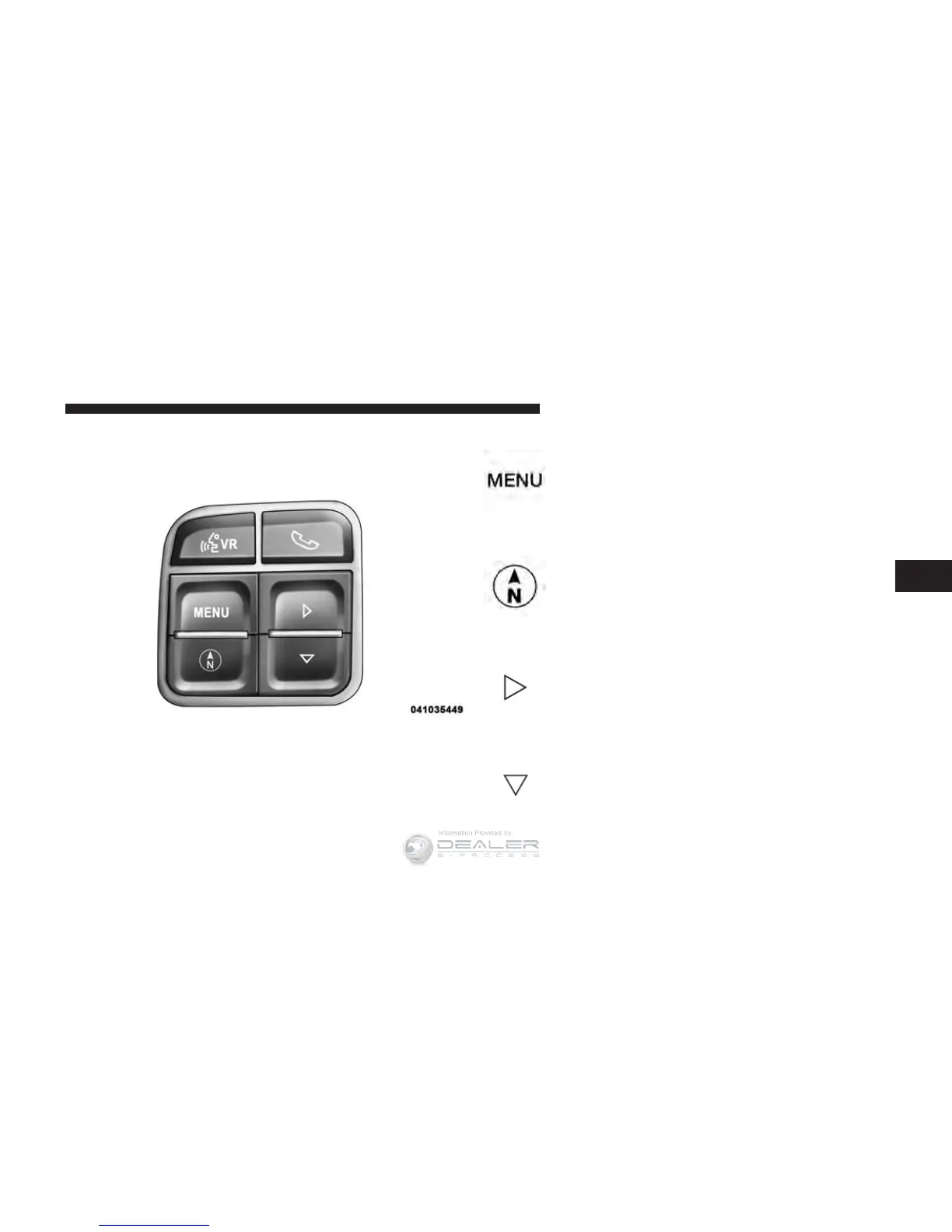
The system allows the driver to select information by
pushing the following buttons mounted on the steering
wheel:
MENU Button
Push and release the MENU button to scroll
through the main menus (Fuel Economy, Warn-
ings, Timer, Units, System, Personal Settings)
or to exit submenus.
COMPASS Button
Push and release the COMPASS button to
display one of eight compass readings and the
outside temperature or to exit sub-menus.
RIGHT/SELECT Button
Push and release the RIGHT/SELECT button
for access to main menus, submenus or to
select a personal setting in the setup menu.
DOWN Button
Push and release the DOWN button to scroll
downward through the submenus.
EVIC Steering Wheel Buttons
4
UNDERSTANDING YOUR INSTRUMENT PANEL 231














 To Next Page