Display
After pressing the “Display” button on the touch-
screen, the following settings will be available:
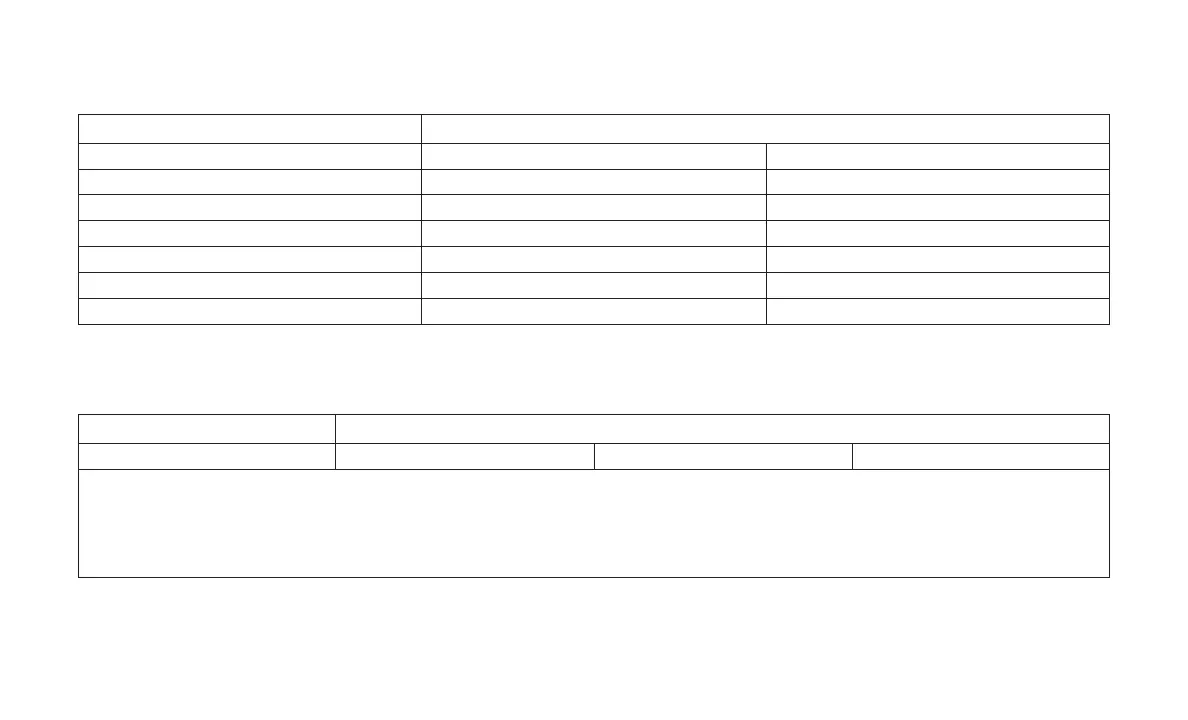
Setting Name Selectable Options
Display Mode Auto Manual
Display Brightness Headlights On +-
Display Brightness Headlights Off +-
AutoShow On Off
Touchscreen Beep On Off
Control Screen Timeout On Off
Phone Pop-ups Displayed in Cluster On Off
Units
After pressing the “Units” button on the touch-
screen, the following settings will be available:
Setting Name Selectable Options
Units US Metric Custom
NOTE:
•
The “Metric” option changes the instrument cluster display to metric units of measure.
•
The “Custom” option allows setting the “Distance, Fuel Consumption” (MPG (US), MPG(UK), L/100km, or km/L),“Pressure” (kPa, or bar) and
“Temperature” (C, or F) units of measure independently.
296






 To Next Page