1213
4.8V
MOD6
SYS.
TIMER
00
:
00
FUN.
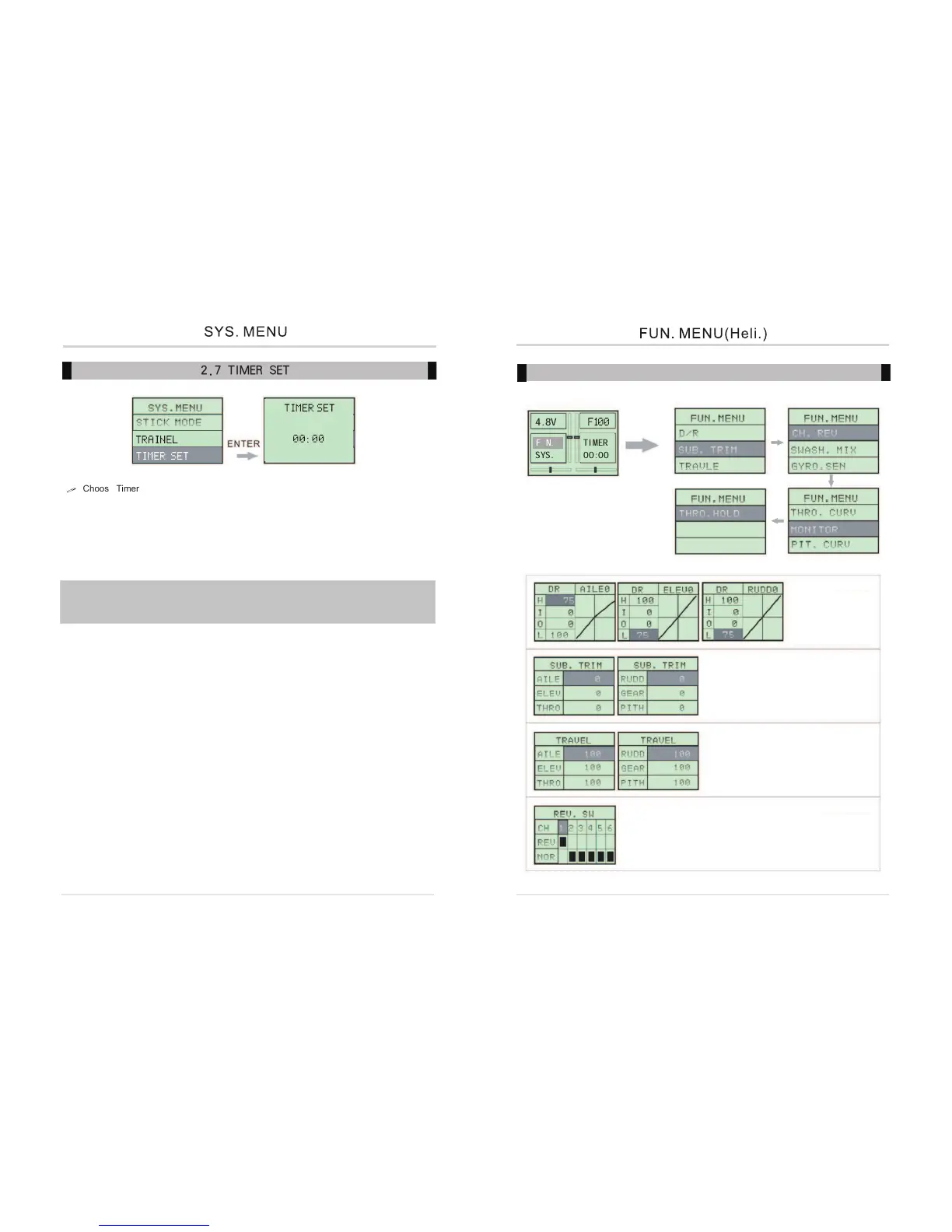
2.7 TIMER SET
Choose Timer set
Operation
1. Press Down to select Sys Menu, and press Enter to the interface
2. Down button select Timer SET
3. Up and Down button setting time M:S
4. Entering setting Timer Press INC or DEC choosing increase and decrease
5. Return main Interface. INC -- TIMER START DEC -- TIMER RESET
Caution:This setting before and after 20seconds each two seconds Alarm.
after Alarming each 10 seconds. then Alarm not stop.
Press DEC --- TIMER RESET LOGOUT TIME RENEW TIMER



 To Next Page