l Adjusting the Height:
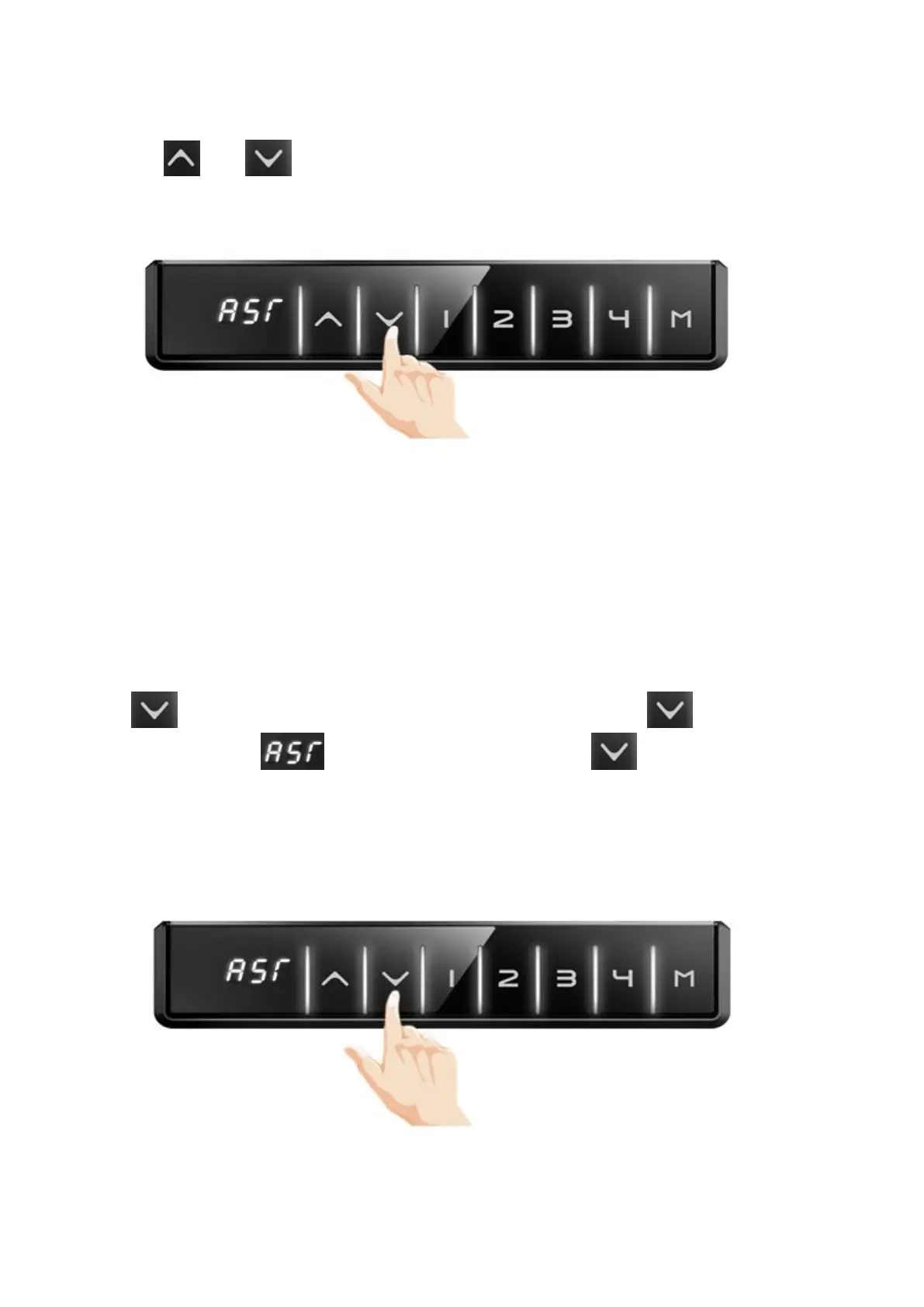
Pressing or button to adjust the height.
l Reset
Press to lower the desk to the minimum height. Continue to press for 7 seconds till the
digital display will show . Loose the button, and then press button again, the column will
slightly down, and slightly rise and stop, at this time, the digital display will show actual height.
Your desk is now ready to use.
Note: Please reset for the first time use or when the desk legs aren’t moving synchronize, or handset
show Error code.



 To Next Page