Group B is set to 2.5 while Group C is set to 1.3.
What use are groups? Groups are very handy if you want to adjust one or more lights
without affecting the ouptut of another light or group of lights.
In our sample above, the main light could be in Group B with its output of 2.5, the
backlight could be in Group A, set at 1.6 and the Group C light, set at 1.3 could be
lighting the background.
If, for example, after taking a few shots we decided to increase the light output on the
background (which is the Group C light), we simply need to make Group C the currently
selected group and increase the power.
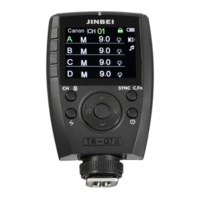
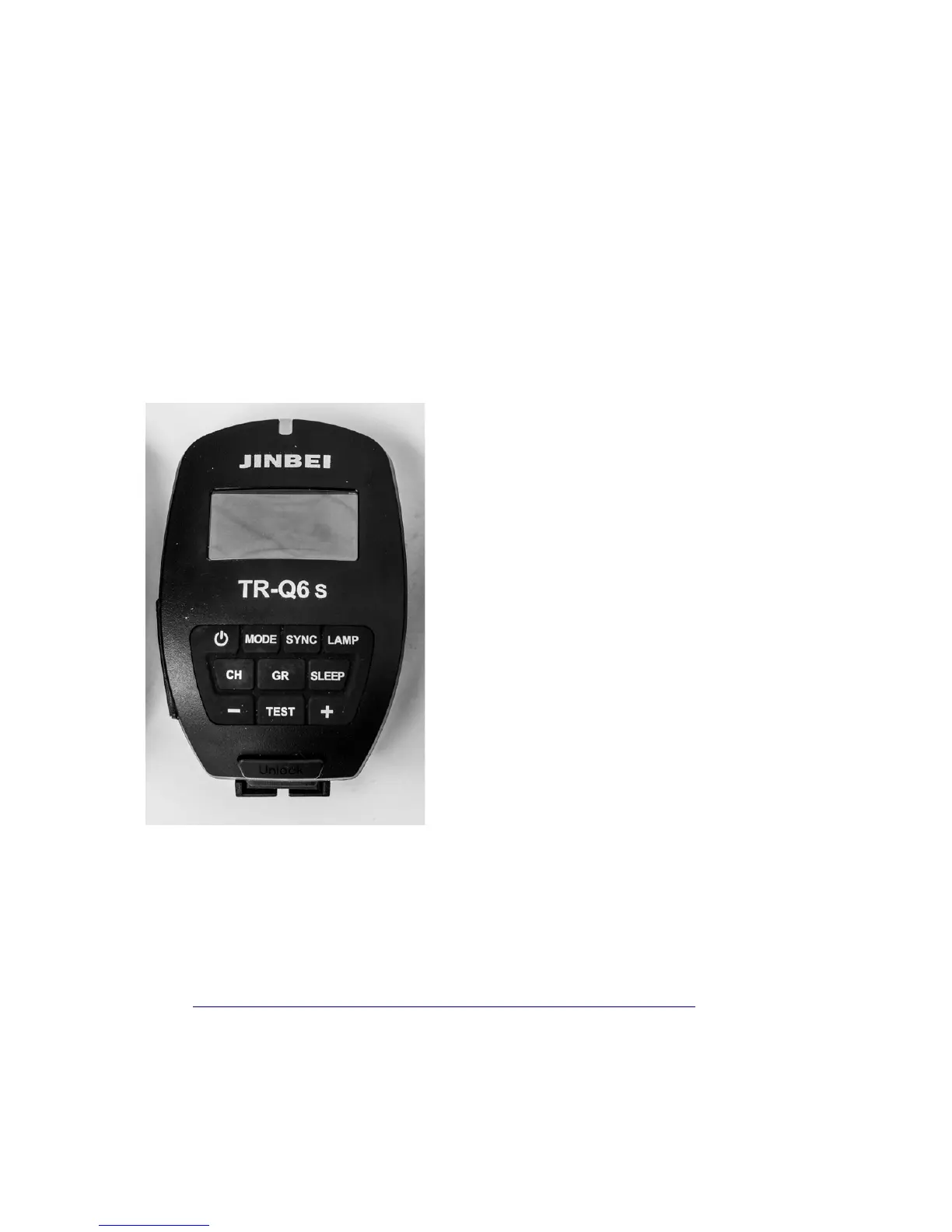
To turn a remote on, push and hold for a
second or so, the switch button – top left in
our image.
The display should light up brightly but will
become dull after a few seconds to conserve
battery power.
Take a look at the Channel setting. Is it
correct? If not, push the CH button then the
plus or minus button to adjust the channel up
or down. Once you have set it to your
preferred channel it will flash a few times then
settle down.
Check the Mode by pushing the Mode button.
There are only two mode settings TTL and M
(for manual). Our monolights are not TTL
enabled so there is no point getting excited
about TTL because it doesn’t work with our
lights. Make sure it is set to M.
Sync: Front curtain the Sync Mode is blank, Rear shows arrows and HSS shows a
lightning symbol and H. These will change depending on how you have set your
camera’s flash sync settings. See Page 25 for HSS (High Speed Sync)
A two second push on the sync button will enable Bluetooth so that you can use the
Jinbei app on your phone to control the lights.
Link: http://www.goldenshell.com.cn/en/Home/Download/upgrade.html (You will need a
QR Scanner to access the download – lots of free ones available from Google and
probably Apple) – No idea if this all works.
Lamp turns the modelling lamps on or off.
Page 20 of 26


 To Next Page
 Loading...