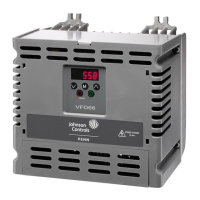
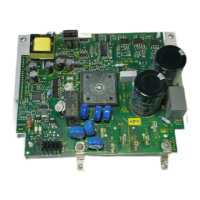
.
YORK, A Johnson Controls Company
*,7,9
678J42,7,9B,9,2?+,2,9
3244>
%,92,7"2=,2
The AYK550 should only be mounted where all of the
requirements defined in "Preparing for Installation" on
page 4 are met.
1. Mark the position of the mounting holes.
2. Drill holes of appropriate size.
2,8 Frame sizes R3 and R4 have four holes along the top. Use only two. If
possible, use the two outside holes (to allow room to remove the fan for
maintenance).
2,8 AYK400 drives can be replaced using the original mounting holes. For R1 and
R2 frame sizes, the mounting holes are identical. For R3 and R4 frame sizes, the
inside mounting holes on the top of AYK550 drives match AYK400 mounts.
!@2\2,2
/1!#$
1. Remove the control panel, if attached.
2. Loosen the captive screw at the top.
3. Pull near the top to remove the cover.
X0002
1
3
IP2000
1
2



 To Next Page
 Loading...