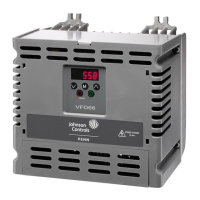
%
$$&G% YORK, A Johnson Controls Company
Analog Input Configuration
The analog input signal on AYK550 Control Boards is selected with DIP switches.
Examples on selecting the analog input signal are illustrated below.
1. AI1 = Voltage 0 – 10V AI1: OFF
AI2 = Current 0 (4) – 20 mA AI2: ON
2. AI1 = Voltage 0 – 10V AI1: OFF
AI2 = Voltage 0 – 10V AI2: OFF
3. AI1 = Current 0 (4) – 20 mA AI1: ON
AI2 = Current 0 (4) – 20 mA AI2: ON
J1 Jumper Settings
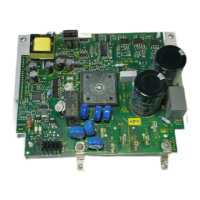
Jumper J1 located at top left corner of logic board.
X1 Identification Hardware Description
28 Screen
29 B (Positive +)
30 A (Negative -)
31 AGND
32 Screen
28 SCR
29 B
30 A
31 AGND
32 SCR
SCR
+
-
GND
RS485 Multidrop application
RS485 interface
Bus termination
OFF position ON position
SCR
+
-
GND
J2
ON
J2
ON



 To Next Page
 Loading...