Export 24.11.2017 Copyright by Joy-IT 4
3
MaKey Controllerboard
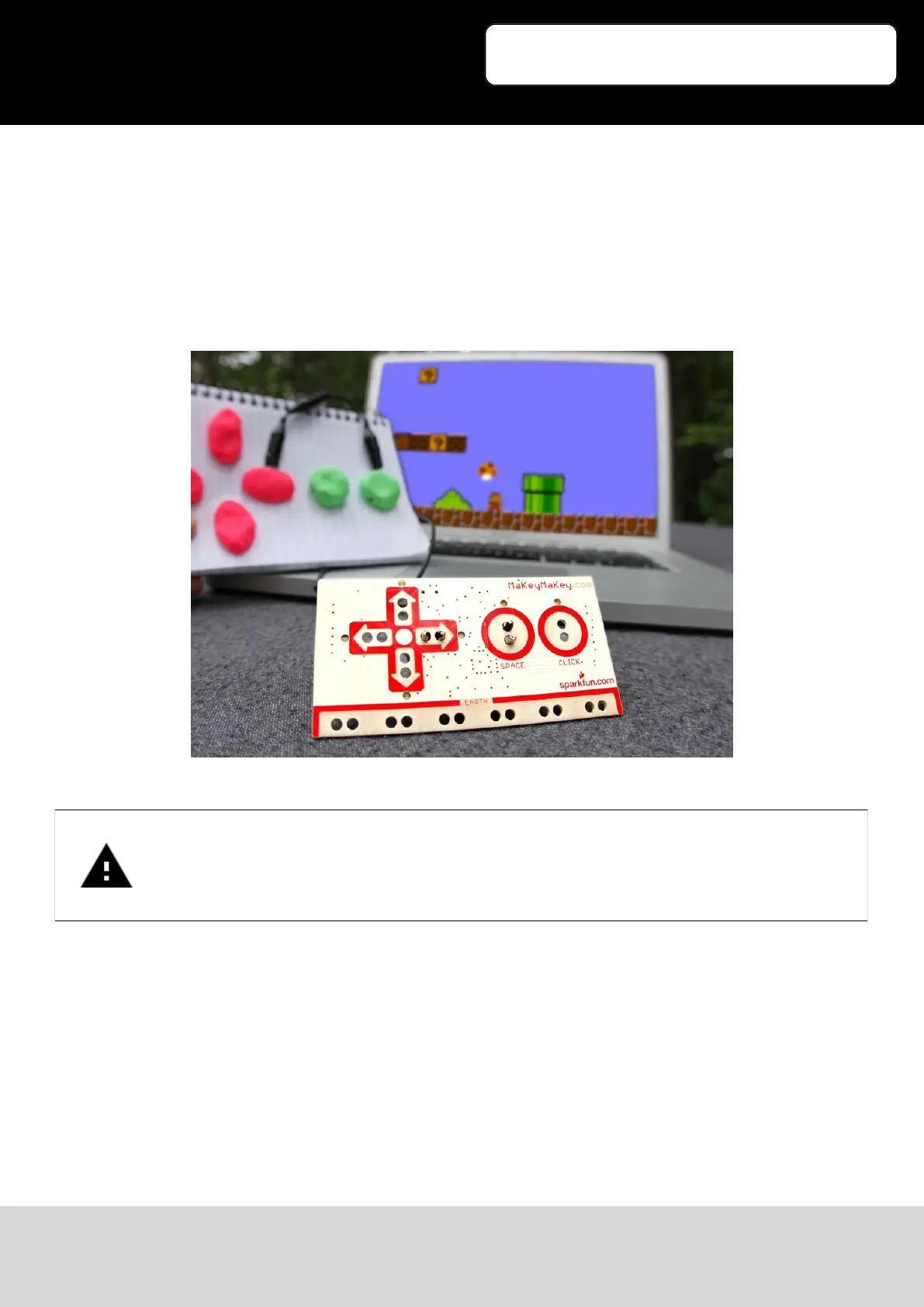
Now take another crocodile-clip and connect it to one of the marked buon holes (e.g. „Space“ for the
space-bar).
Connect the other end to the object which you want to use for the buon-control (e.g. a banana).
If the connecons at the front don‘t last out, you can also use the black connecons on the back (eg. For
the WASDFG-Buons).
Just insert one of the enclosed white cables into the opening and connect a crocodile-clip to the other end
of the cable.
Your Makey-Controllerboard is now ready to use.
Just touch your connected object while holding the „Earth“-Clip and watch the keyboard and mouse
input.
Warning! Not all materials are conducve and are suitable for the usage.
Materials like metal, fruits, skin or Play-Doh are very suitable.
Somemes you can also combine materials.
You can e.g. wet paper or combine Play-Doh with plasc.


 To Next Page
 Loading...