– 90 –
④
Conrming the numeric value
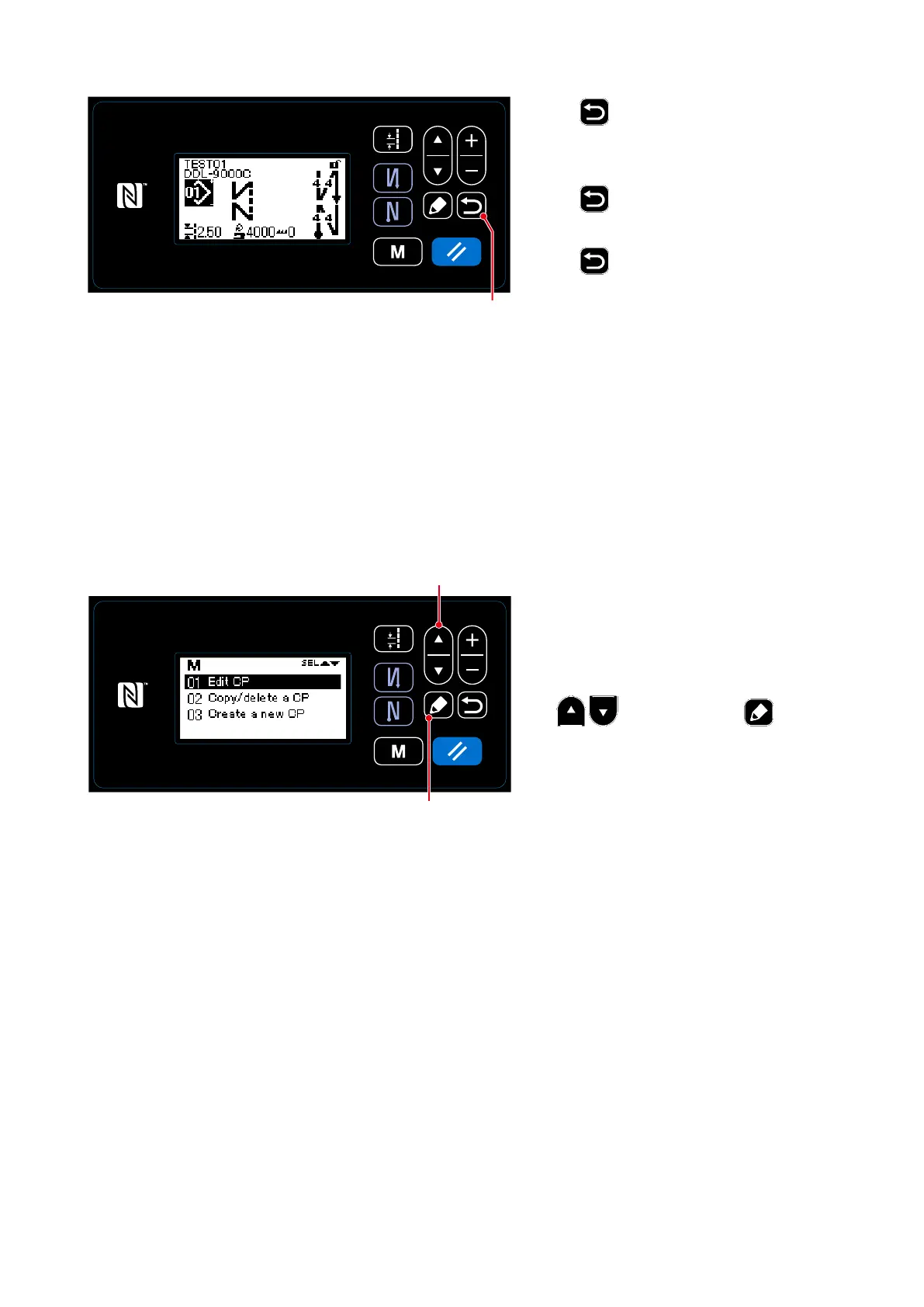
Press
❻
to conrm the data and
return the current screen to the Custom
pitch management screen.
Press
❻
again to return the current
screen to the mode screen.
Press
❻
yet again to return the cur-
rent screen to the sewing screen.
<Sewing screen>
❻
8-5-3. Custom pitch edit function
①
Selecting the custom pitch edit function
1. Display the custom pitch management
screen referring to
"8-5-2. Creating a
new custom pitch" p.88
.
2. Select "01 Edit CP" by pressing
❶
. Then, press
❺
to
display the custom pitch management
screen.
Hereafter, the steps of procedure to be
taken are same with those in the case of
creating a new custom pitch.
Refer to
"8-5-2. Creating a new custom
pitch" p.88
.
<Custom pitch management screen>
❺
❶



 To Next Page
 Loading...







