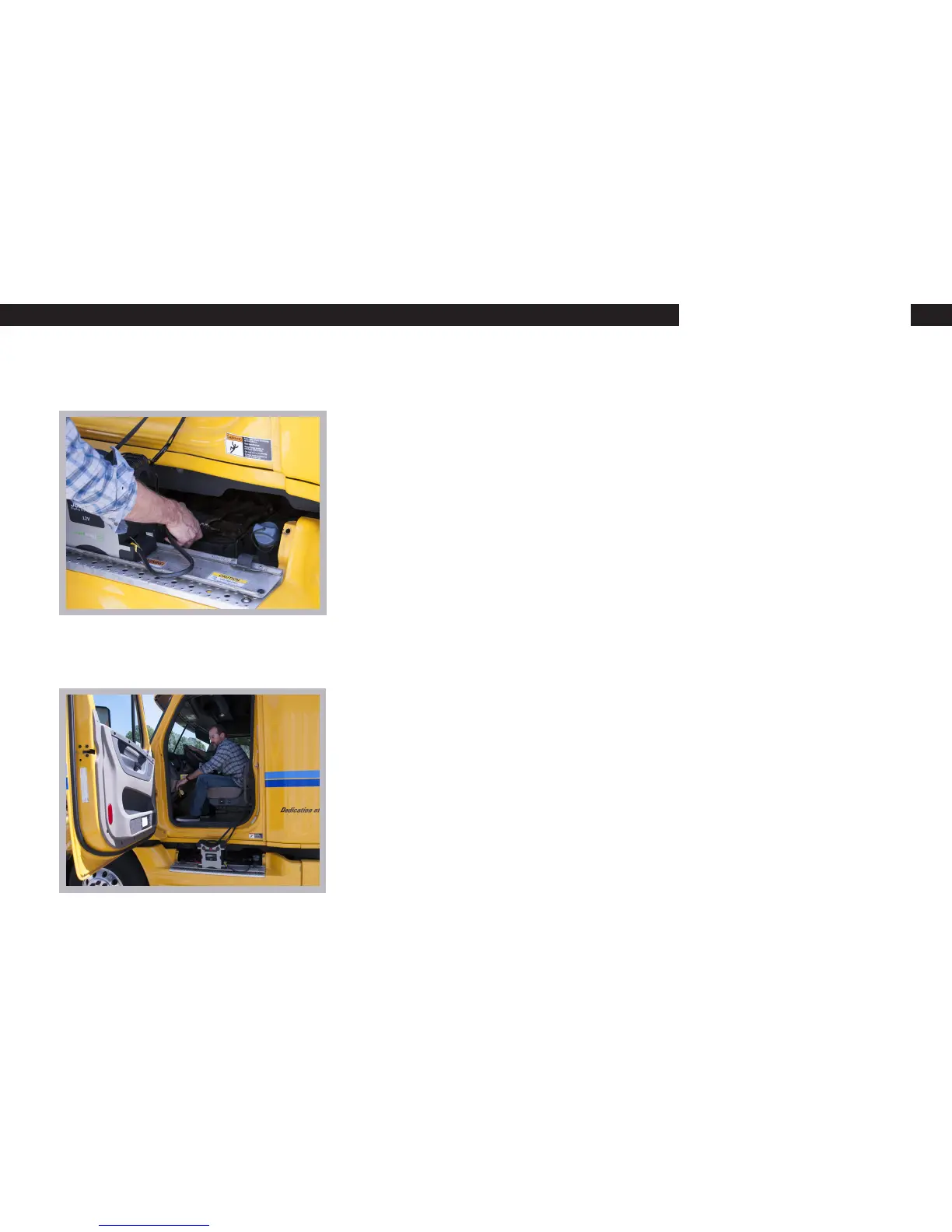
3. Make the Connection
A. Disconnect the Red clamp and the Black clamp from the BIGRIG PRO 16L
docking station. Note: LCD should be ashing red and green “8”s (search for
battery mode)
B. Use the jump port if you vehicle is so equipped, otherwise connections will
be made on the battery.
C Connect the positive red clamps to the positive(+) red terminal on the
battery and connect the negative(-) black clamps to the black terminal. Once
the battery is detected and is connected correctly, then the LED indicator will
show a green “8”.
4. Start the Vehicle
A. Ensure a proper connection. If properly connected, the unit will display a
green “8” on the LED. If the LED displays a red “8” then there is an error that
needs to be addressed. Please see the “Troubleshooting Guide” and the “LED
Indicators guide” in the QUICK START Manual.
B. Turn the ignition key to the on position and start the engine.
C. Once started, turn off the unit and disconnect the clamps from the battery
and reattach the clamps to the docking station and turn off the unit.


 To Next Page