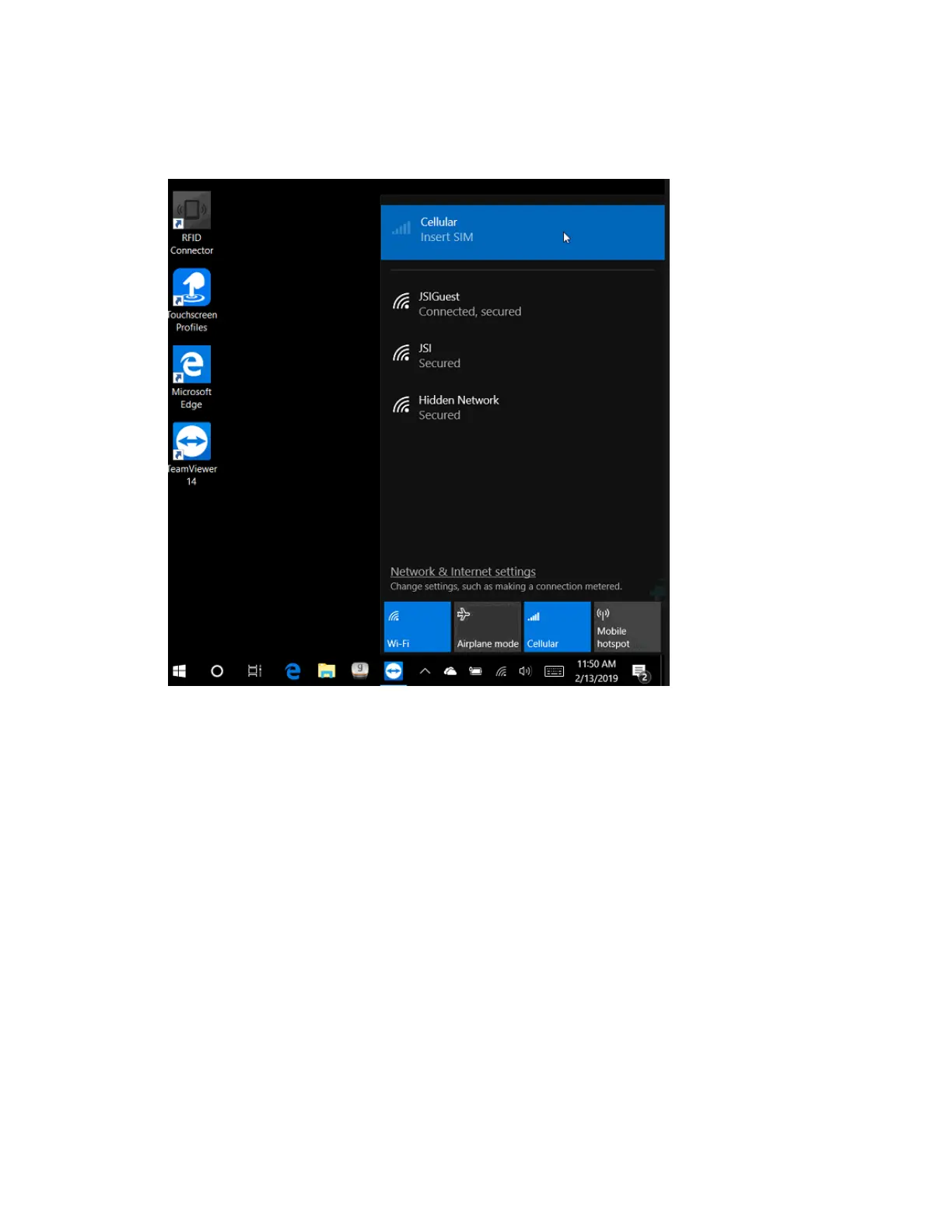
4. If still needed, perform a Shut Down then insert the SIM card (with applying adhesive tape for a
pull tab). Otherwise, perform a Restart.
5. Once the unit has finished powering back on and rebooting, check the status under Cellular. It
should now show Verizon and state “Getting ready…” for a minute or two. The setup should be
complete when the status changes to Connected.



 To Next Page