Maintenance
Maintenance
Basic information about maintenance:
U
Press the f button to enter the Cockpit. This area consists of a
‘Maintenance status’ c section and a ‘Machine setting’ f
section. You can manage the maintenance of your E in the c
section.
U
If a maintenance programme needs to be initiated, the f
symbol appears with a red background. Press the f button to
enter the Cockpit. The Cockpit shows maintenance pro-
grammes that need to be carried out in the form of messages
with red backgrounds. Press the button that corresponds to the
message to go straight to the maintenance programme.
Maintenance programmes that are due imminently are
indicated on your E by means of a bar display within the
message.
U
Carry out each maintenance programme when you are
prompted to do so.
You can start coffee system rinsing manually at any time.
Precondition:The start screen is displayed.
T
Place a receptacle under the coffee spout.
T
Press the f button.
T
Press the c button.
T
Press the ‘Rinse the coffee system’ button to start the rinse
operation.
The operation stops automatically.
After each milk preparation, the E prompts you to perform a milk
system rinse.
In the machine settings, you can set whether the milk system rinsing
is to be initiated manually or automatically minutes after prepa-
ration (see chapter ‘Machine settings’).
Precondition:The start screen is displayed..
Rinsing the machine
Rinsing the milk system
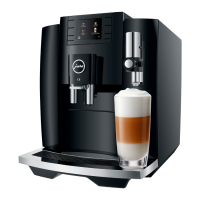
E8
E8


 To Next Page
 Loading...