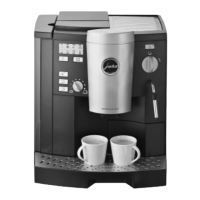
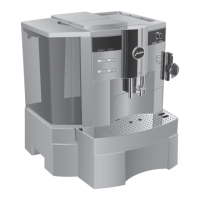
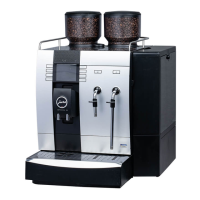
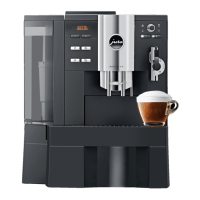
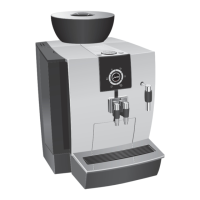
As it is showing on fig on side. At this
moment on machine's display will appear
DESCALING
START
YES
Also See the two figures below
To initiate descaling process press
descale button again. At this moment on
machine's display you will see messages such as: EMPTY TRAY and EMPTY
COFFEE
Shown also in the two pictures below BIN
Remove the drip tray and the coffee grounds bin from machine and EMPTY both of them
before starting descaling process. As the drip tray and coffee grounds bin have been removed
from machine to be emptied you will see on machine's display messages such as:
COFFEE BIN and TRAY MISSING
MISSING
Place both ground coffee bin and drip tray into machine, as soon as both these items are placed
back into machine, you will see that machine instantly and automatically will switch to the next step
and on machine's display will appear: SOLVENT IN TANK Which is shown also in the picture at
next page. PRESS
KEY



 To Next Page
 Loading...