EasyManua.ls Logo

Just Add Sharks Blacknose A3 - User Manual

Default Icon
50 pages
Print Icon
To Next Page IconTo Next Page
Loading...
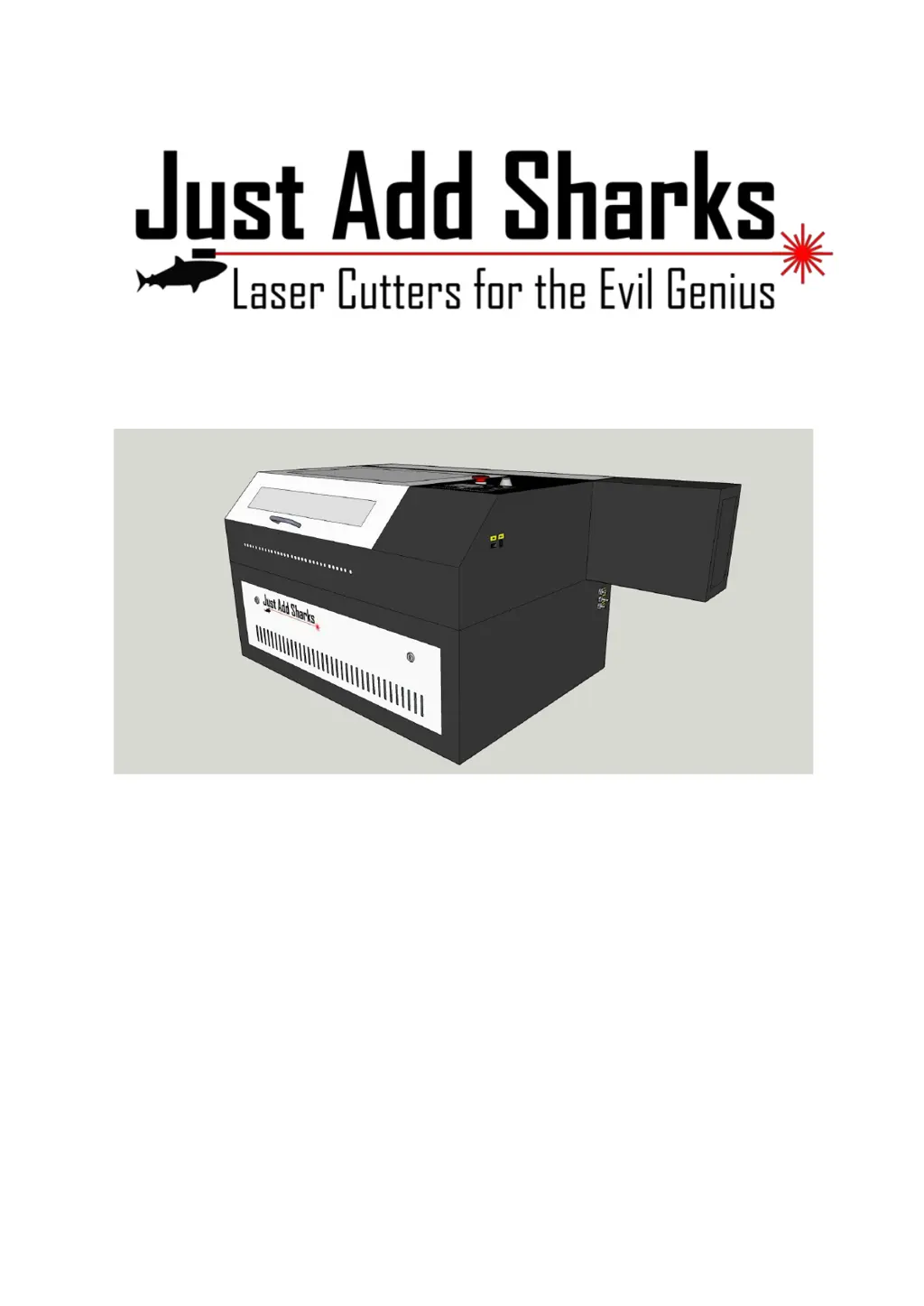
Blacknose A3 Laser
Cutter and Engraver
User Guide
Version 0.2, July 14th 2015

Questions and Answers

  • C
    collinharringtonAug 2, 2025
    What to do if Just Add Sharks Blacknose A3 laser cuts, but not all the way through?
    • A
      Amy DavidsonAug 3, 2025
      If the laser on your Just Add Sharks Engraver cuts, but doesn't go all the way through the material, it could be due to a couple of reasons. First, the focus might be incorrect; use the focus tool to set the correct z-axis position. Second, the cutting speed may be too fast, or the power is too low. Check the settings for the layer that is not cutting, and reduce the speed or increase the power.
  • W
    williamsjohnAug 17, 2025
    Why has the Just Add Sharks Blacknose A3 power reduced?
    • E
      Emily WeberAug 17, 2025
      A reduction in power on your Just Add Sharks Engraver, where it's not cutting material it used to with the same settings, could be due to dirty or damaged optics. Visually inspect the mirrors and lens for dirt or damage and clean if necessary.

Summary

Precautions

Machine Overview

Setup and Installation

Work Stand Assembly

Instructions for assembling the provided work stand.

Air Assist System Setup

Steps to connect and configure the air assist system.

Water Cooling System Setup

Instructions for installing and preparing the water cooling system.

Filling The Laser Tube

Procedure for filling the laser tube and ensuring no air bubbles.

Extraction System Setup

Guide to installing the fume extraction fan and hoses.

Alignment Procedure

Detailed steps for aligning the laser beam and mirrors.

LaserCut 5.3 Software

Just Add Sharks Blacknose A3 Specifications

General IconGeneral
BrandJust Add Sharks
ModelBlacknose A3
CategoryEngraver
LanguageEnglish