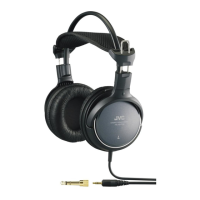
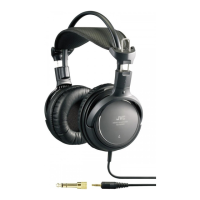
When connecting to a standard stereo phone jack
(6.3 mm dia.)
— Use the provided plug adaptor
(Converts a stereo miniplug to a standard stereo
phone plug)
When connecting to a monaural minijack
— Use an optional plug adaptor
(Converts a stereo miniplug to a monaural miniplug)
To HEADPHONES jack
TV, audio amplifier,
VCR, tape deck,
video disc player,
etc.
1
2
3
When
connecting to a
stereo minijack
98
NAMES OF PARTS AND THEIR FUNCTIONS CONNECTION
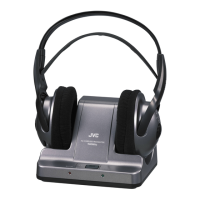
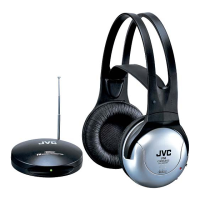
Receiver (Cordless Headphones)
1 POWER (Power switch)
2 Power Indicator
The indicator lights in red when the
power is turned on.
Also, the indicator lights in green
during recharge.
3 CHARGE (Charging input terminal)
4 VOL. (Volume control)
Adjusts the volume level of the left
and right channels simultaneously.
5 TUNING (Tuning control)
Adjusts the reception frequency.
6 Soft Comfort-Fit Headband
■ How to connect to AV equipment
Connection to HEADPHONES jack
L-channel
(white plug)
R-channel
(red plug)
To LINE OUT or REC
OUT terminals
TV, audio amplifier,
VCR, tape deck,
video disc player,
etc.
1
2
3
Provided
connection cord
Connection to LINE OUT or REC OUT terminals
ENGLISH
• For replacement ear pads, please consult with the dealer where
you purchased the headphones.
HA-W500RF (EG)E.G 10/25/2002 12:54 Page 8


 To Next Page
 Loading...