13
Before Operation-VCR part
PREPARATION
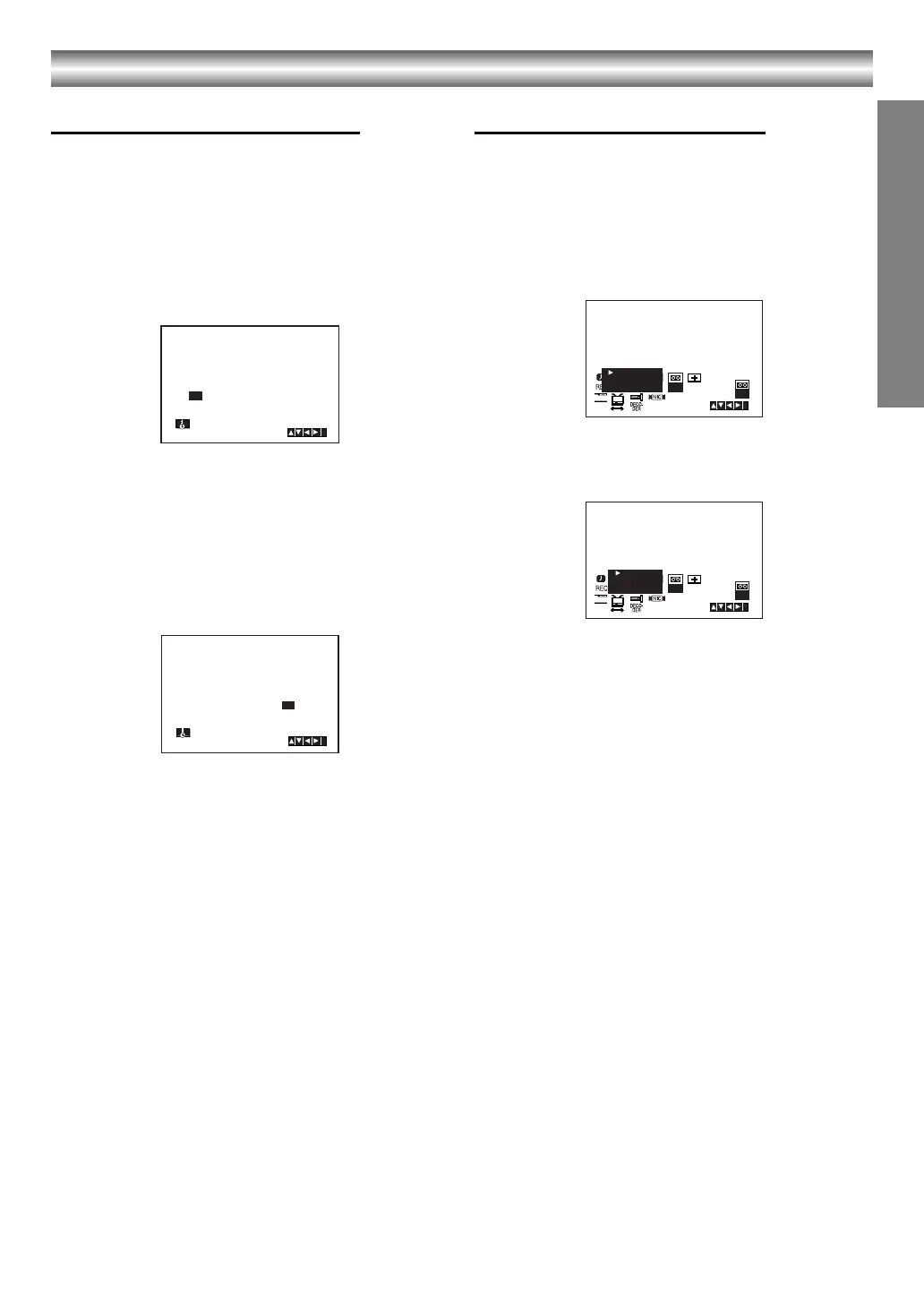
Setting the clock Manually
The clock in your DVD+VCR controls time and date
settings for your DVD+VCR.
1. Press i.
Press 2 or 1 to select SET.
Press ENTER/OK.
The auto adjust mode can be set to “OFF” by
pressing ENTER/OK if you want to set the time
manually.
2. Use the 3 or 4 on the remote control to alter the
HOURS, MINUTES, DAY, MONTH and YEAR.
Please note your DVD+VCR uses a 24 hour clock.
e.g. 1pm will be displayed as 13:00.
The day of the week will appear automatically when
you enter the year.
3. If you make a mistake press 2 or 1 and enter the
correct details.
4. Press i to return to a TV picture.
To set the colour system
1. Press i.
2. The main menu will appear on the TV screen.
3. Press 2 or 1 to select the SYS and press ENTER/
OK.
4. Press 3 or 4 to select according to the COLOUR
system used.
5. Press 2 or 1 to select the RF AUDIO.
Press 3 or 4 to select according to the RF AUDIO
used.
6. Press i to remove the menus from the TV screen.
HH MN DD MM YY
:..- -
- -
- - - -
- - - - -
i
12
SET
HH MN DD MM YY
:..00 1 01 05 SAT 8
i
12
SET
SYS
12
SET
OSD
ON
OFF
OSD
f
i
AUTO
PA L
MESECAM
SYS
SYS
12
SET
OSD
ON
OFF
OSD
f
i
SYS
RF-I/I
RF-B/G
RF-D/K
VJ9033CP1Z_E-EK.book Page 13 Friday, March 11, 2005 9:53 AM



 To Next Page
 Loading...






