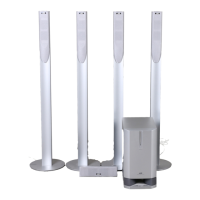
VS-DT2000
1-17
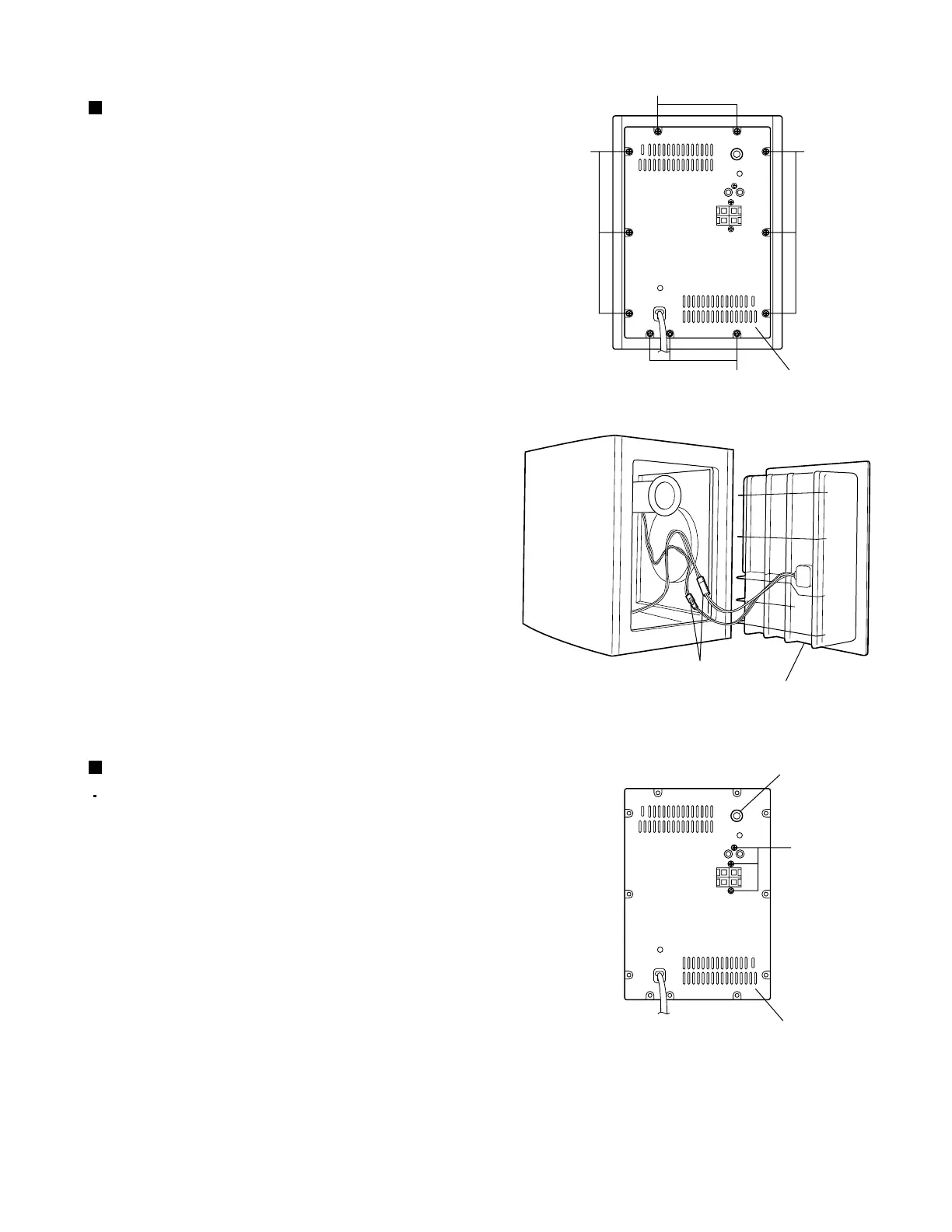
Fig.1
Fig.2
Fig.3
Connectors
Amplifier assembly
Amplifier assembly
A
A
AA
Knob
Back panel
B
<Speaker section>
Removing the amplifier assembly
(See Figs. 1 and 2.)
1.
2.
From the rear side of the speaker main body,
remove the eleven screws A attaching the amplifier
assembly.
Remove the connectors from the speaker.
1.
2.
Pull out the knob and remove it.
Remove the three screws B attaching the back
panel.
Removing the back panel (See Fig. 3.)
Remove the amplifier assembly.



 To Next Page
 Loading...