13
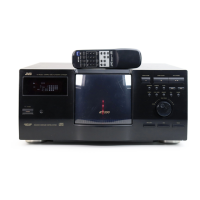
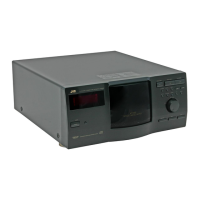
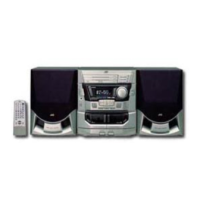
XL-MC334BK
LVT0022-001B [J]
2. Select the step you want to listen to repeatedly using the 4
and ¢ buttons.
REPEAT
or
REPEAT
(Remote control)
PLAY/PAUSESTOP/CLEAR
/
or
(Remote control)
/
CURSOR
<>
or
(Remote control)
Playing back a program step
repeatedly
You can listen to a selected step of the program repeatedly.
1. Press the 3/8 button to start playback.
3. Press the REPEAT button twice to show “REPEAT 1” on the
display.
To cancel the function, press the REPEAT button again, clearing
the indication from the display.


 To Next Page
 Loading...