12
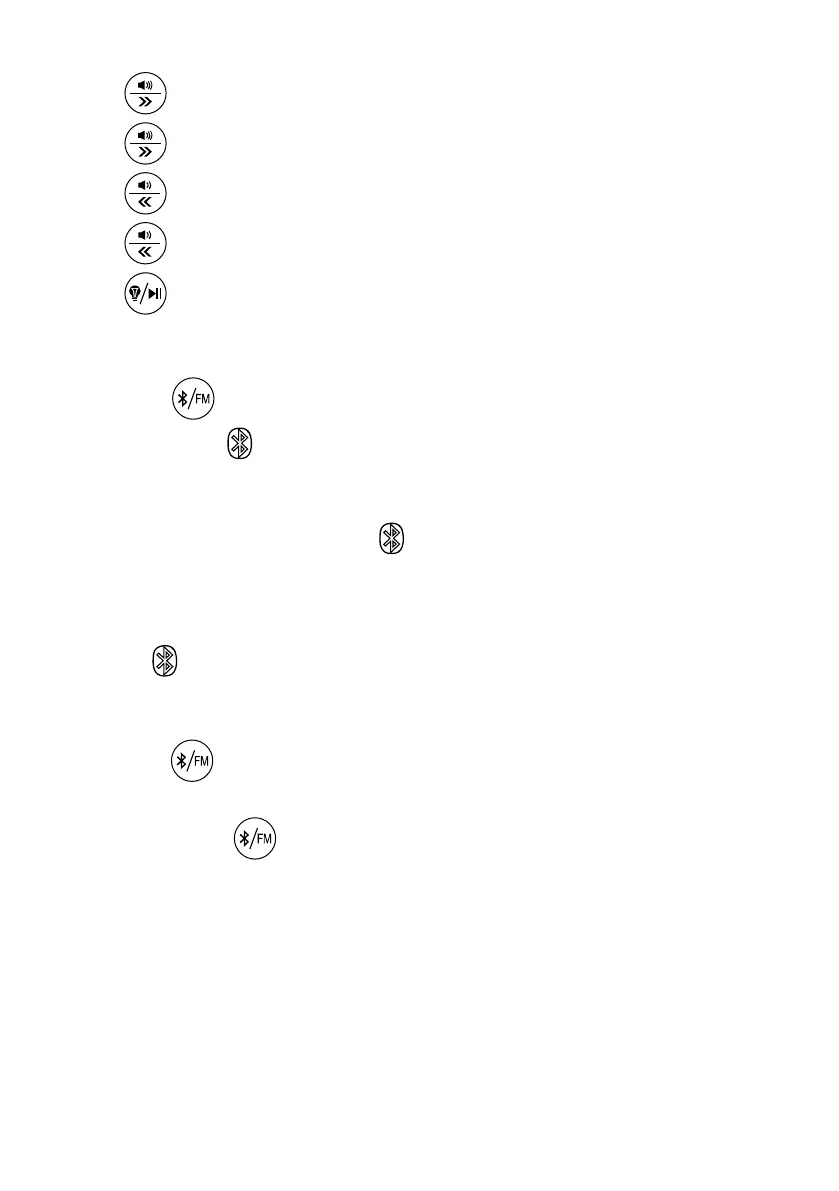
MUSIC TRACK SWITCHING AND ADJUSTING VOLUME
Press once to adjust volume upwards
Press and hold for 3 secs to switch channels forward
Press once to adjust volume downwards
Press and hold for 3 seconds to switch channels backwards
Press to play or pause.
BLUETOOTH CONNECTIVITY AND FM CONNECTIVITY
Press the once
Screen shows and flashes
User’s mobile phone will display ‘JVD Wave’ under Bluetooth
Network
Connect to ‘JVD WAVE’ and stops flashing with
acknowledgement tone
Play Music with the phone or hold a speaker conversation via the in-
built MIC
Turn off to disconnect phone from JVD Wave.
Bluetooth will automatically turn off after 5 minutes if it remains
unconnected
Press the a second time to get into FM
Screen shows FM and flashes
Press and Hold for 3 seconds to auto-scan for available FM
channels.
For best FM channel reception, please attach the AUX antenna
cable to the unit.


 To Next Page