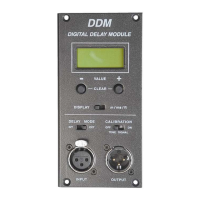
2.) Operation
a) Audio signal connection [7], [8]
To be able to use delay functionality you have to use the audio input on the
DDM [7]. The line out on the speaker system leads the audio signal
reproduced by the internal speakers for connecting equipment like self-
powered bass systems. The line out on the DDM leads, depending to the
operation mode selected (internal/ external) either the un-delayed or delayed
signal. You can connect other equipment like self- powered speakers or
amplifiers together with passive speaker systems.
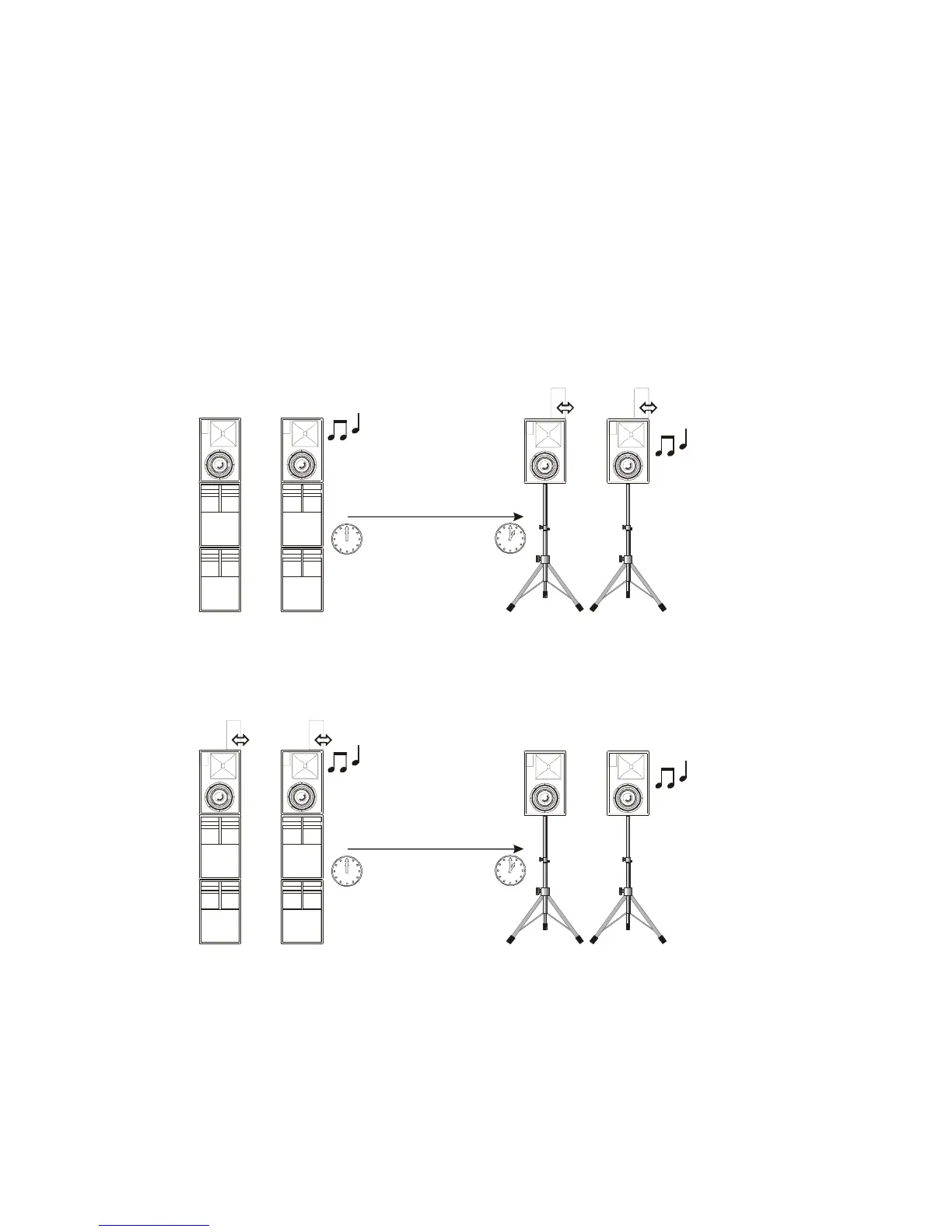
b) Functional mode switch [5]
Internal Mode
PLUG
IN
0 ... 330 m
PLUG
IN
Main PA
Delay Line
External Mode
PLUG
IN
0 ... 330m
PLUG
IN
Main PA
Delay Line
The ‘external’ mode supplies the delayed audio signal on the DDMs line-out.
The speaker itself works without delay. This mode was created for users which
want to use i.e. passive PA speakers together with an power ampIifier as
delay systems.


 To Next Page