10-Small power table = False
11-Driver power table
12-Icom radio CI-V address 0x64 hex
13-Reset all to default values
Which parameter to change? 2
2
Select baud rate:
1- 300
2- 1200
3- 2400
4- 4800
5- 9600
6- 14400
7- 19200
8- 28800
9- 38400
10- 57600
11- 115200
Which baud rate 1..11? 7
Config CI-V Router
1 -Computer baud rate = 57600
2 -CI-V baud rate = 19200
3 -Transceive msg to other radios = True
4 -Transceive msg to USB = True
5 -USB Echo = True
6 -Subswitch = True
7 -Split OFF when QSY >1MHz = False
8 -Enable driver power level = False
9 -Enable driver power level learn = False
10-Small power table = False
11-Driver power table
12-Icom radio CI-V address 0x64 hex
13-Reset all to default values
Which parameter to change?
For more information about the configuration options, see the section on configuration options later
in this user guide.
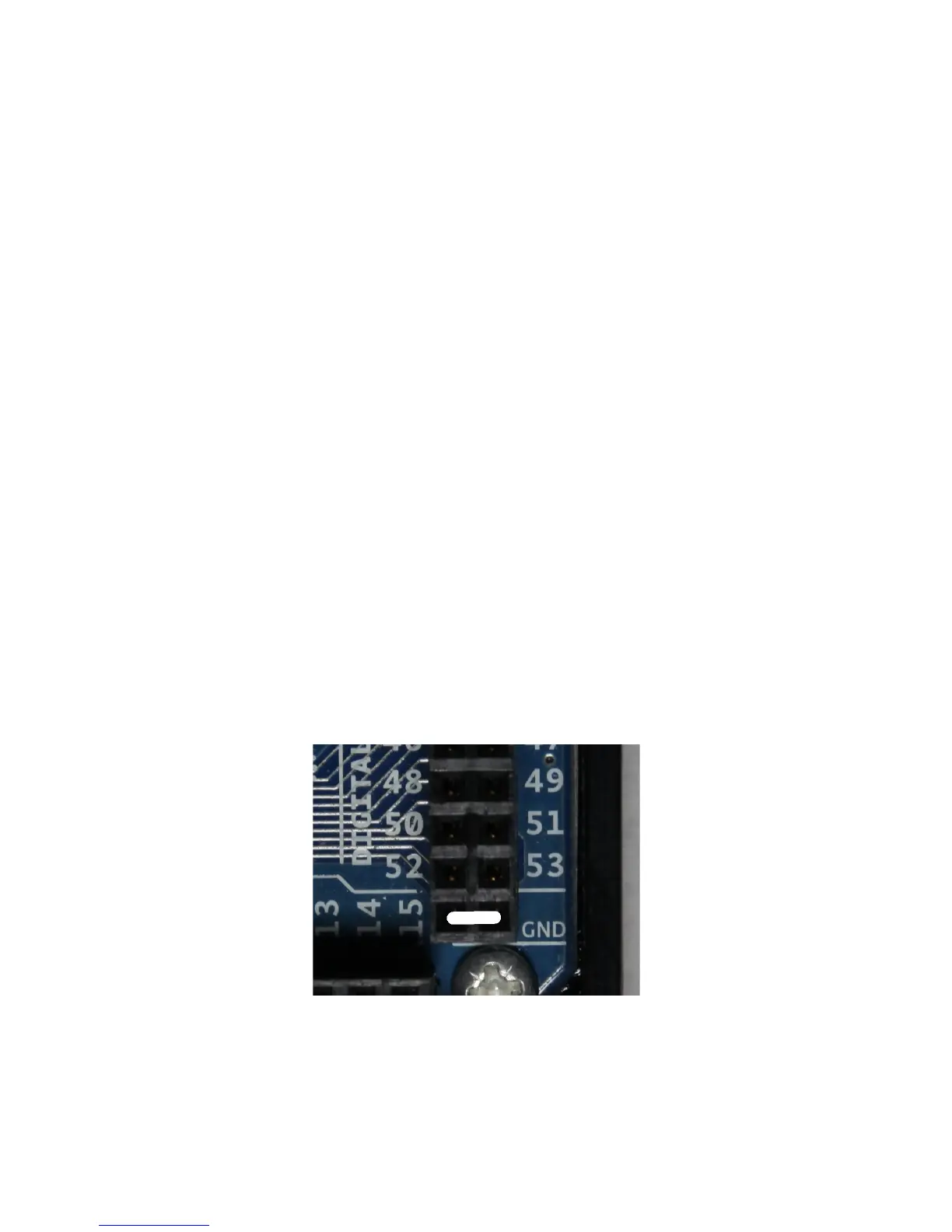
Remember to remove the jumper from Pin 53 and to reseat the CI-V "shield" on the Arduino. The
two pins just below pin 52 and 53 on the Arduino board are ground. This is a handy place to store
the jumper when not configuring the router.
Page 12


 To Next Page
 Loading...