When power is connected, the frame will turn on automatically.
You will see the ‘Kaiser Baas’ logo and a slideshow will start playing.
Thereareanumberofpicturefilesontheon-boardmemoryfordemonstration
purposes that are accessible when selecting the ‘Favourite’option.Thedemon-
stration files cannot be deleted.
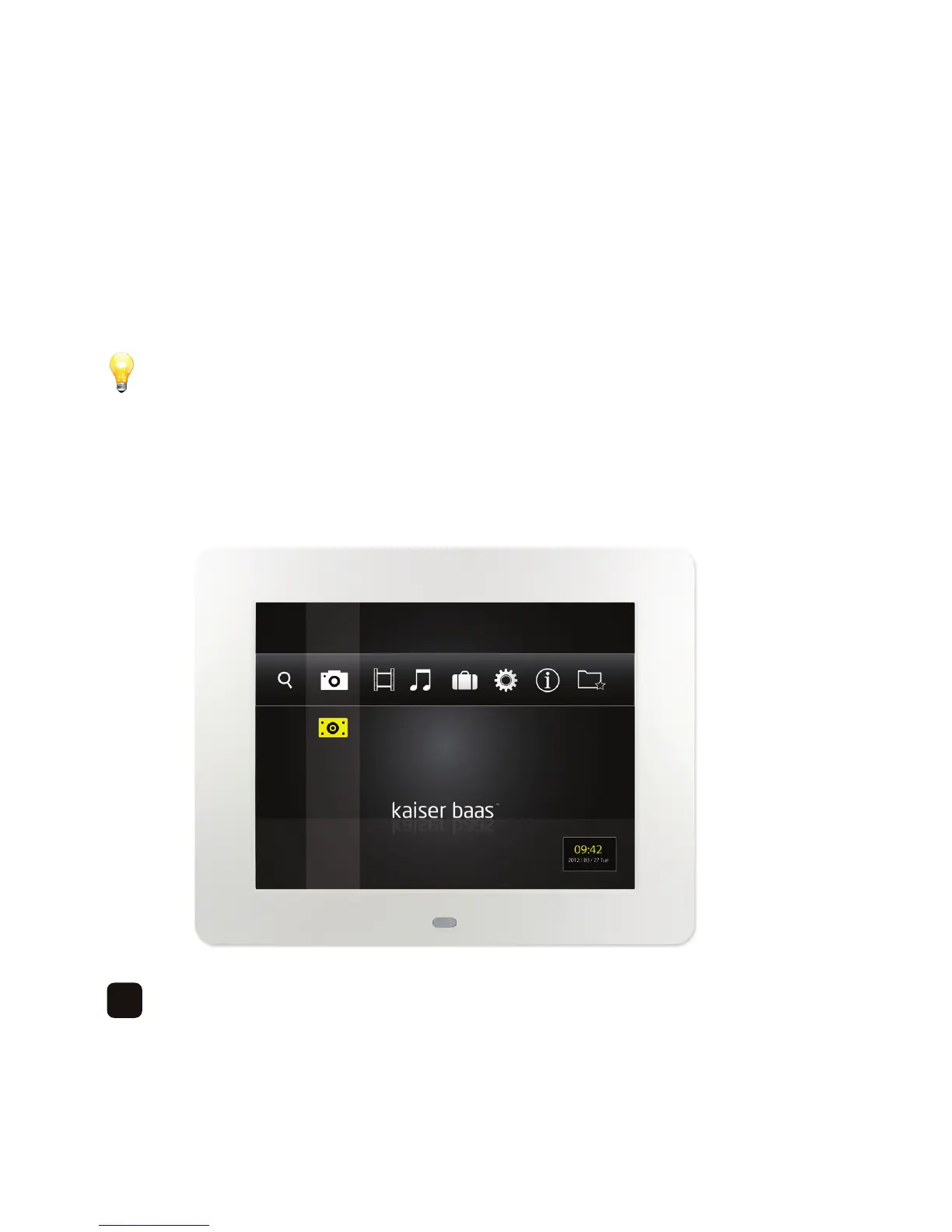
Press the ‘Return’ button to exit the slideshow and go to the main menu. You will now
seethefollowingscreen-
10



 To Next Page