Press the ‘On-screen menu’ button to adjust settings for playback, enable background music,
zoom, rotate, brightness, transition type and slideshow duration.
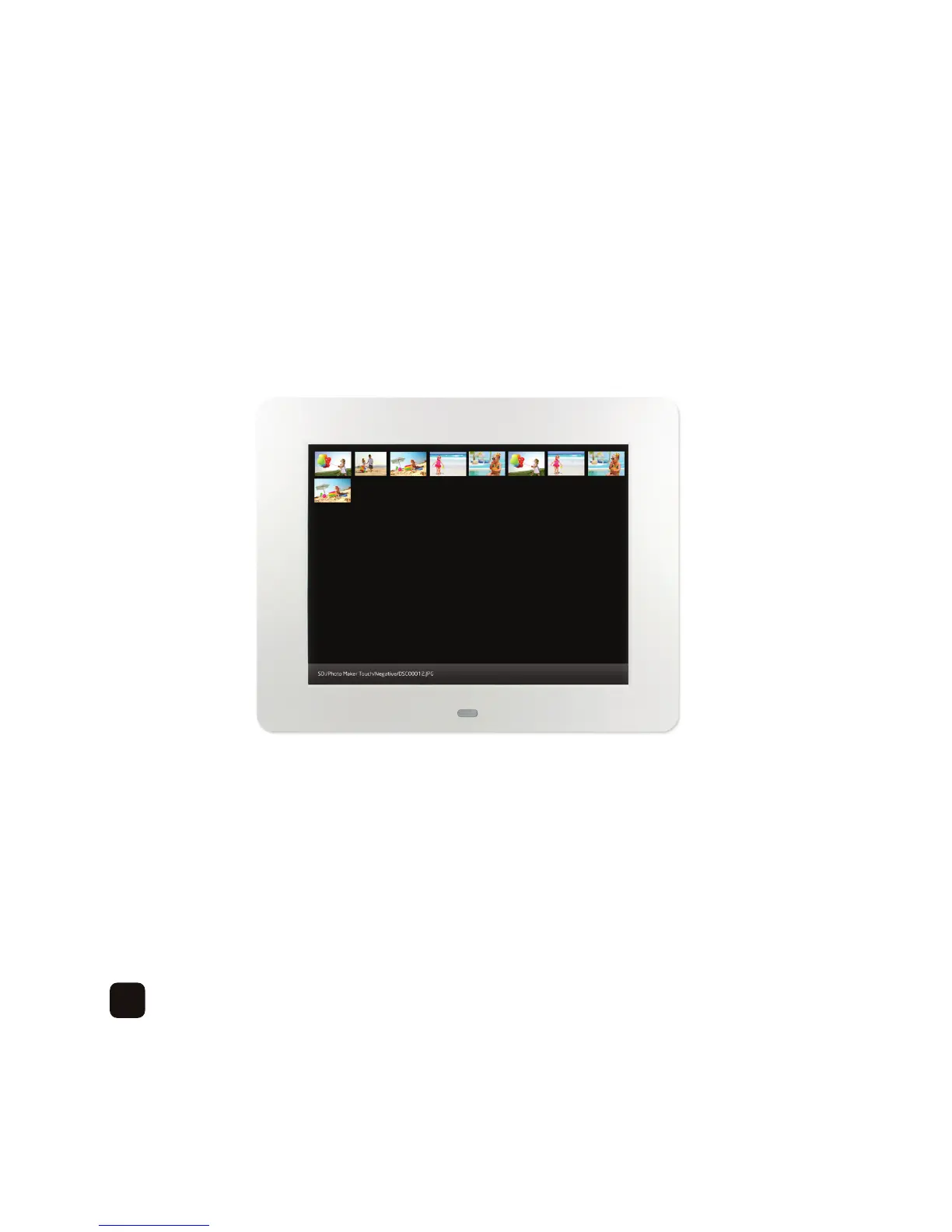
If you would like to display a thumbnail of your photos press the ‘Return’button–
Usethedirectionalbuttonstoselectadifferentphototodisplay.
Ifyouwouldliketoplayaslideshowfromadifferentsub-folder,pressthe‘Return’ button again to
select a different location.
To exit ‘Photo’ mode press the ‘Return’ button until you see the main menu.
18



 To Next Page