EN
Lighting Function
The oven is equipped with the lighting function.
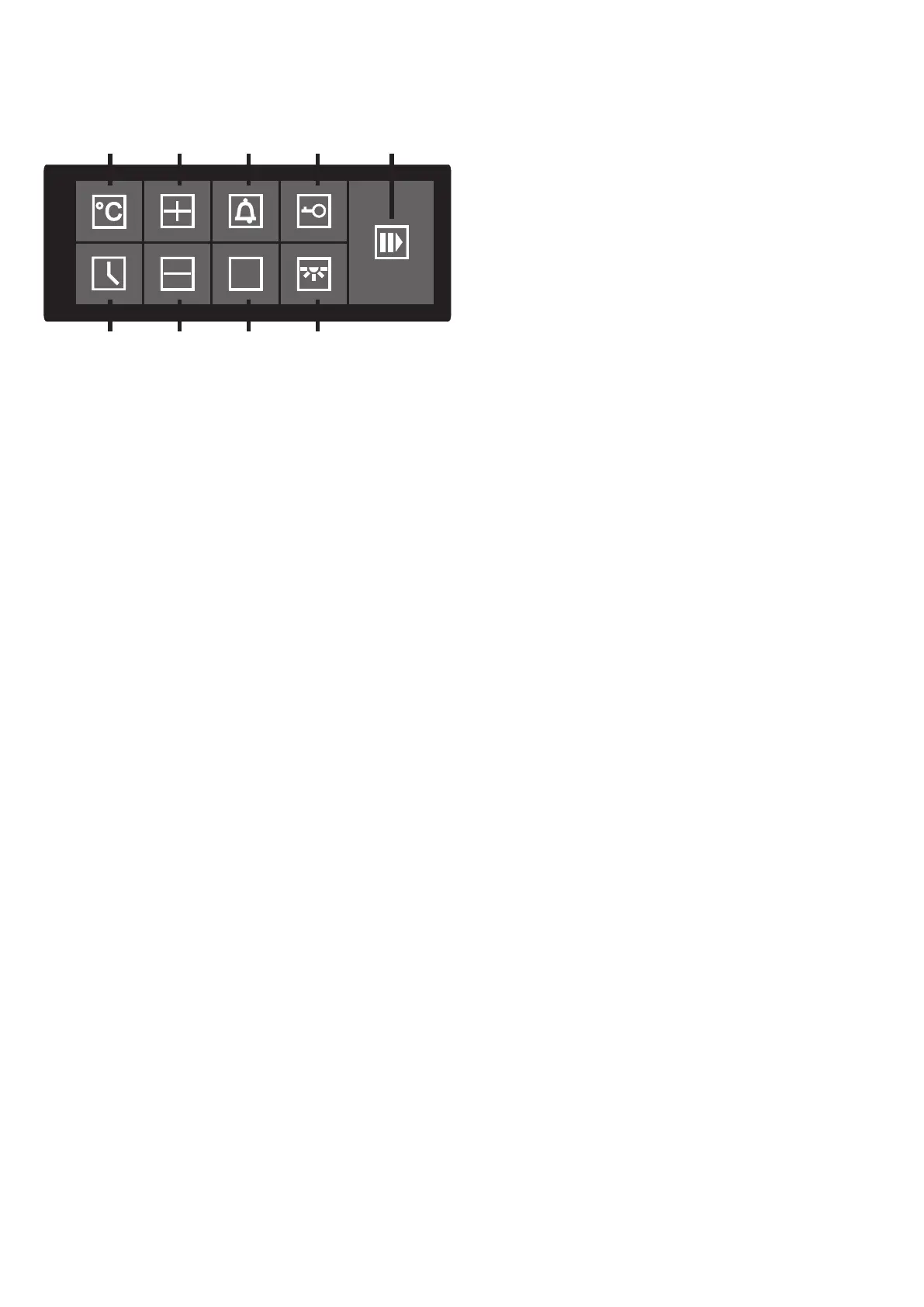
Press the button 18 in order to switch the light on and
off any time.
When the oven starts to work, the lights go off
automatically after 2 minutes, in order to reduce energy
consumption.
When opening the door of the oven, the lights go on. If
the door is kept open for longer time, the lights go off
automatically after 2 minutes.
Child-proof Lock
The oven is equipped with the child-proof lock function.
Press and hold the button 14 for 3 seconds in order to
lock the control panel. The lock symbol will appear on
the display.
When touching other buttons at this time, they will not
respond and the lock symbol will blink on the display.
In order to unlock the control panel, press and hold the
button 14 for 3 seconds.
Memo
19
11
12
13
14
15
16
17
18
28


 To Next Page