Memo
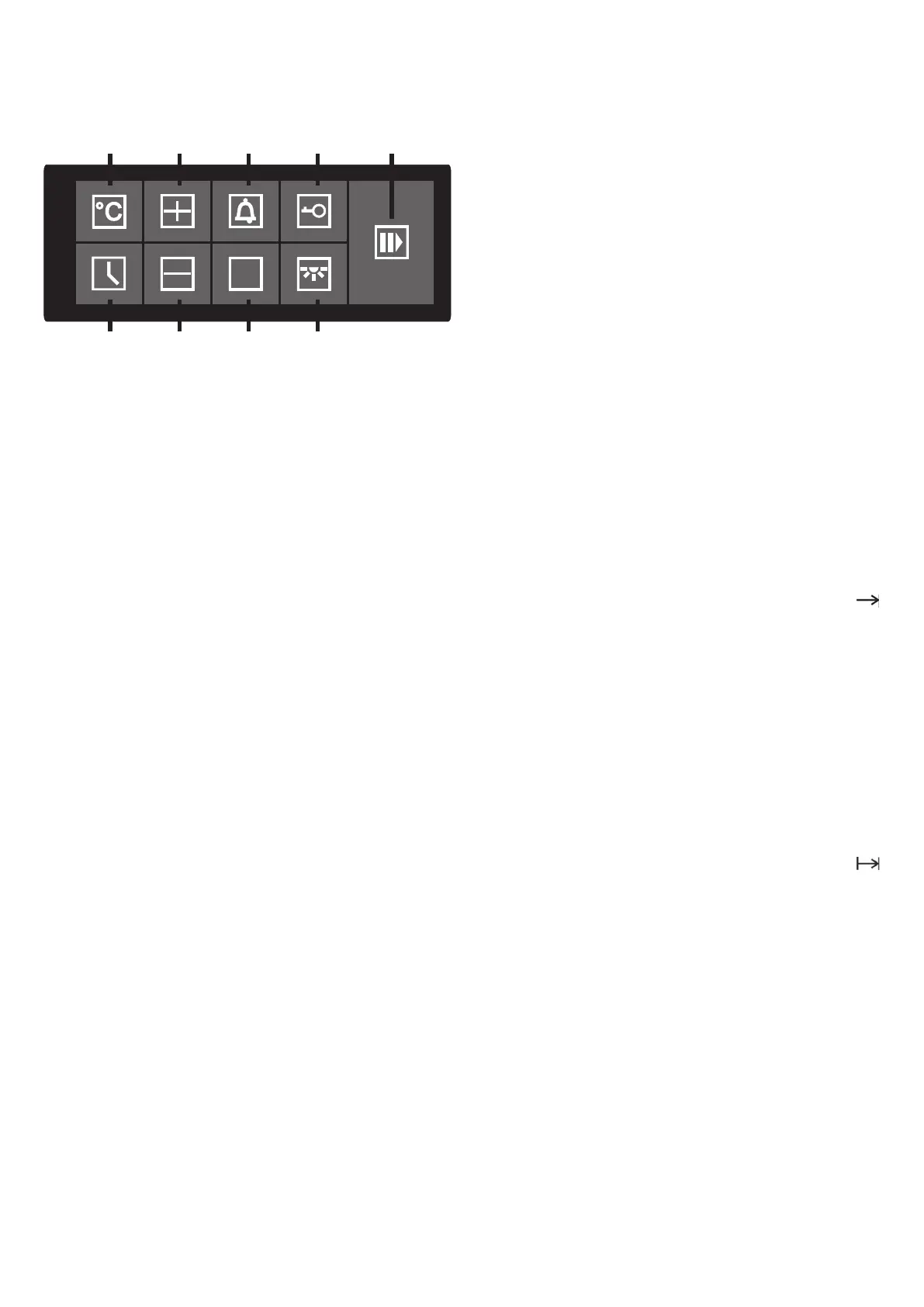
19
11
12
13
14
15
16
17
18
32
EN
Setting cooking duration and end time
You can combine the cooking duration and end of
cooking time functions to set the start and end times for
cooking. In this way you can program your electronic
oven to cook while you are out or to defrost foods ready
for you to cook when you get back.
Set first the end and then the duration of cooking time.
Before you set the duration and the end of cooking
time, you have to set the oven operating
function and the temperature.
Set the cooking duration.
At first you have to program the wanted end of
cooking time (see chapter «Setting the end time»).
· Press button 15 repeatedly until the symbol
appears on the display.
Use the selection buttons 16 или 12 (– или +) to set
the desired end time.
Then you need to program the desired cooking time
(see chapter «Setting the cooking time»).
· Press button 15 repeatedly until the symbol
appears on the display. Use the selection
buttons 16 или 12 (– или +) to set the desired
cooking time.
Press the button 15 again to activate delay start
mode.
The oven will switch to standby mode and will begin
operation at the scheduled time with the selected
parameters.


 To Next Page