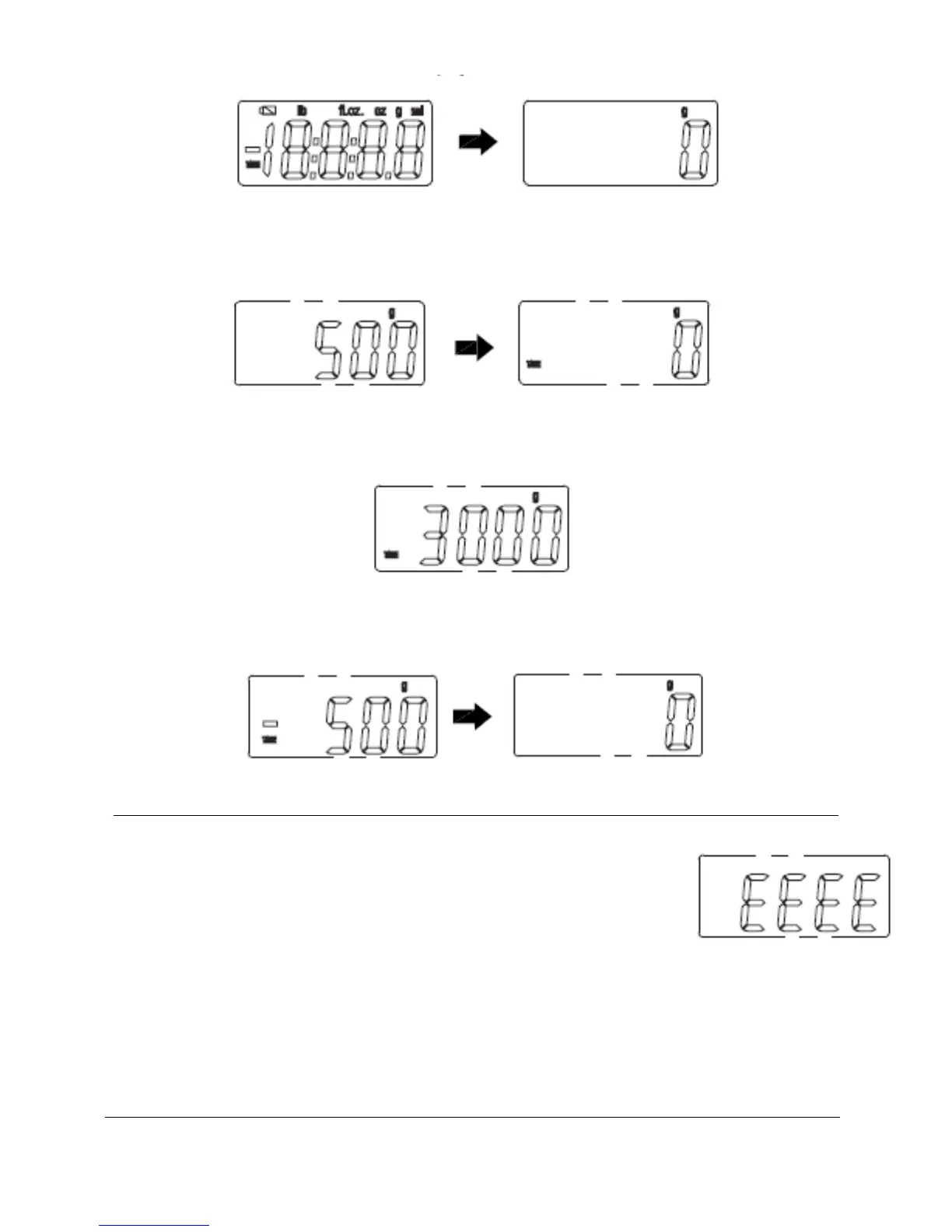
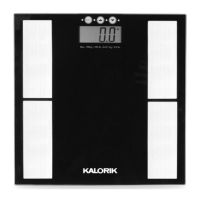
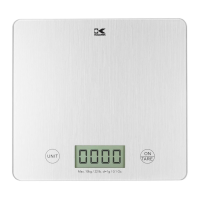
In case that the scale was already switched on, simply press “On/Tare”
with the object or empty container on it, so that the display will show
“0” or “0:0.0”. The “TARE” symbol is displayed.
Add the ingredient to weigh. The weight indicated on the display is only
the weight of the ingredient added inside the container!
Note: When you remove the container from the platform, the LCD
display will show the weight as negative (“ – ” will appear on the left-
hand side). To reset, simply press “On/Tare” again.
OVERLOADING INDICATOR
If the ”EEEE” symbol appears on the LCD screen, it
means that the maximum weight accepted by your
scale is exceeded. Please remove the object from the
platform in order not to damage your scale.


 To Next Page