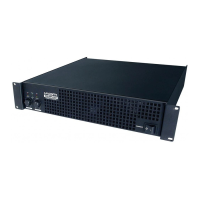
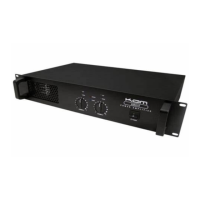
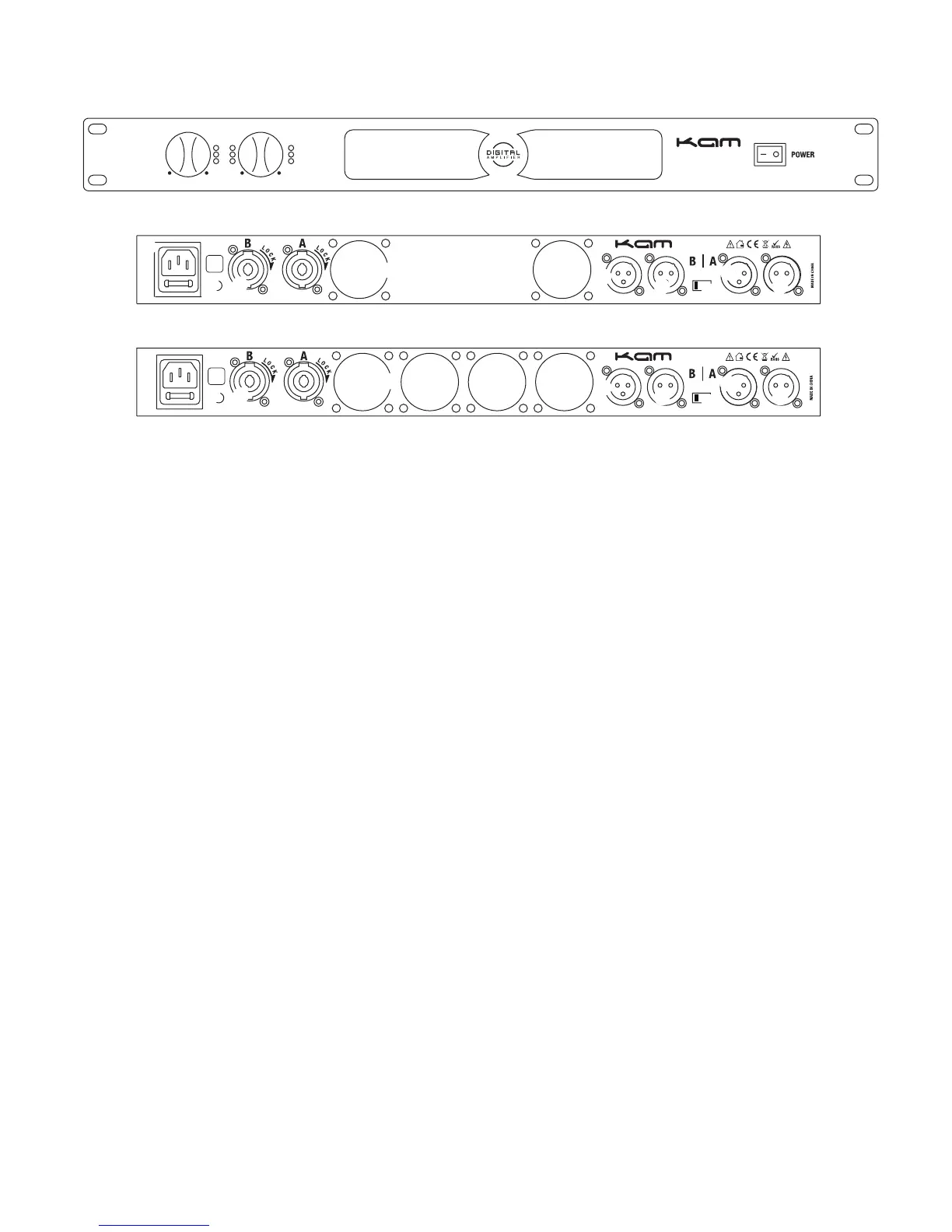
Front and rear panels (rear panel dependent on model purchased)
Controls and connections
1. Channel volume/gain controls
2. Channel Clip LED indicators
3. Channel signal LED indicator
4. Channel power indicator LED
5. Signal protect LED indicator
6. Output mode LED indicator (bridge/parallel)
7. Power switch
8. IEC AC mains input
9. Ground lift switch
10. Speaker output connectors (speakon)
11. Cooling fans
12. XLR output connectors
13. XLR input connectors
14. Output mode switch (see below)
Output modes Each Kam KD digital power amplifier has different output modes.
Stereo mode sends the signal from each channel to the corresponding audio output (e.g. channel A input > channel A output).
Parallel mode creates a mono (single) signal which is fed to both channels.
Bridge mode (if applicable) sends both A and B channels to a single audio output, thus doubling the output voltage of the amplifier.
Ensure that any speakers connected to the bridge output of the amp are able to handle this increased voltage and that they are of
the correct impedance.
The Kam KD1000 is able to switch between Stereo, Parallel and Bridge modes.
The Kam KD3000 is able to switch between Stereo mode and Parallel mode.
Clip red LED indicator Lights up when the audio is excessive, the audio is likely to be distorted. Ensure that the audio signal is set
to its rated level (0dB), then set the audio input using the volume/gain control on the amp.
Signal yellow LED indicator Lights up when a sufficient signal has been received via the audio inputs.
Channel Power green LED indicator Lights up when channel is powered on.
Protection red LED indicator Lights up when the amplifier’s protection mode is activated.
On green LED indicator Lights up when mains power is attached and the unit is powered on.
Mode LED indicator Lights up when parallel/bridge mode is activated.



 To Next Page
 Loading...