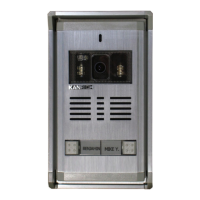
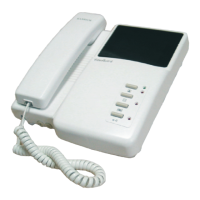
Switch
Video Dummy
swich up ----OFF
switch down ---ON
Monitor
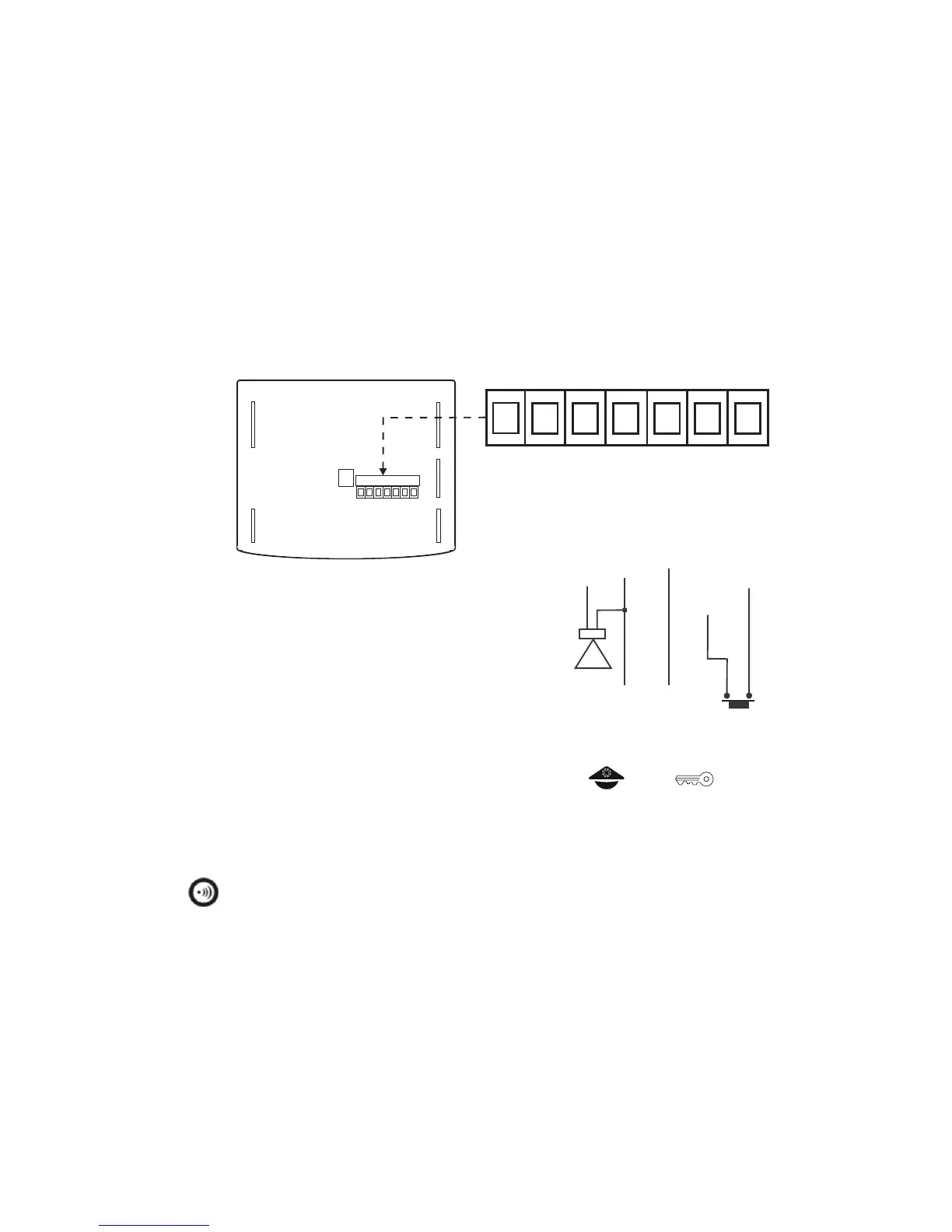
rear view
1
2 3 4 5 6 7
1
2 3 4 5 6 7
915Mi 4" Handsfree video monitor
Ringing Tone Adjustment
Up --- volume increase
Middle --- volume middle
Down --- volume down
In/
Out
FG
N
D
ESP
K
Vi
deo Ou
t
Bel
l
GND
Speaker
g
ro
u
n
d
ex
ter
na
l d
oo
r
b
ell s
w
i
t
c
h
GND
g
ro
u
n
d
ex
te
r
na
l
S
PK.
s
ys
t
em w
i
re
sy
s
t
e
m w
ir
e
+
一
Terminals
Monitor code setting steps :
1. When doorphone system is standby and press " " + " ".
2. You will hear "Du" on monitor and on camera ,too.
3. Please enter "monitor code" on camera immediately , monitor will get this call
and send "Ding-Dong" as well as the screen is started at the same time,
press " " to close screen. It's a successful code setting .
Specifications
Working Voltage: DC15V from 915P
Current Consumption :
Stand-by 40mA, Working 300mA
Resolution: Color 4” 960(H)x234(V)
Communicating Interface:
the modulated carrier wave signal
Installation way: Surface mounting type
Material: ABS heat-resistant plastic
Dimensions: (H)140mm/(W)170mm/(D)35mm
Weights : 300gs
Measurement: 0.2 cuft
Accessories
1. Green terminal connector 1
2. Monitor Bracket 1
3. Screw Bag 1
P19
2011 Sep.


 To Next Page
 Loading...