20 - EN
DAB
2
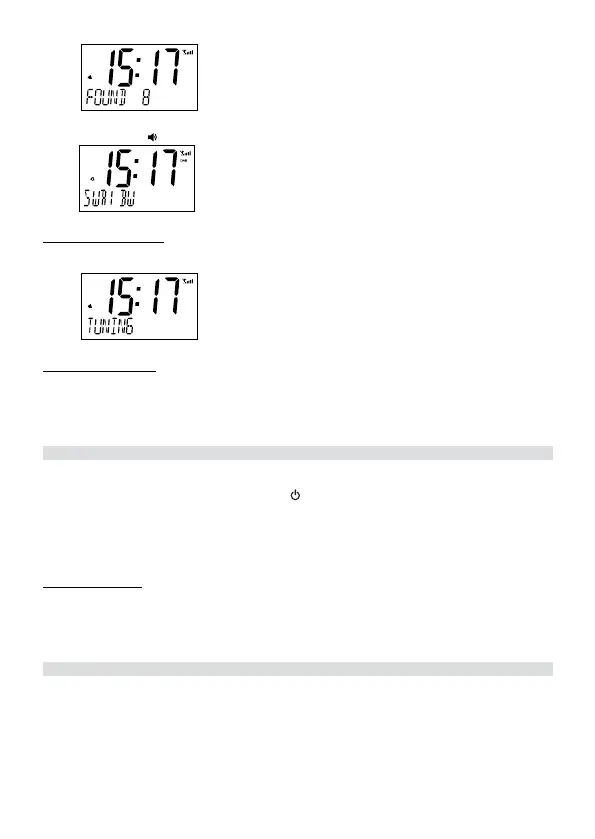
4. You can now press the ▲Up / ▼Down buttons to explore the found stations followed by
pressing the
/ Select button to play the selected station:
Auto and Manual Scan
• To automatically scan again for available stations or manually search frequencies, go to
the main menu (see chapter “Menus”).
DAB
2
DAB
2
DAB
2
DAB
DAB
2
DAB
2
DAB
2
DAB
2
DAB
2
DAB+ Display Modes
Every time you press the Info / Menu button in DAB+ mode, the display will cycle through the
following display modes (shown in the bottom line of the display):
Name, DLS, Program Type, Ensemble Name, Ensemble Frequency, Date.
FM Radio Mode
1. Power and switch on the radio as described above.
2. Press and hold for about 2 seconds the / Mode button to switch to FM mode.
3. Select a desired radio station by pressing the buttons ▲Up or ▼Down repeatedly. Each
press adjusts the frequency by 0.05 MHz.
4. To automatically search for the next available radio station, press and hold for 2 seconds
the buttons ▲Up or ▼Down.
FM Display Modes
Every time you press the Info / Menu button in FM mode, the display will cycle through the fol-
lowing display modes (shown in the bottom line of the display):
Frequency, Radio Text, Program Type, Name, Date.
StoringandRecallingStoredStations(inDAB+andFMModes)
This function allows up to 10 stations to be programmed into the memory and stored in both
DAB+ and FM mode.
1. To store a preset, rst tune to your desired station (DAB+ or FM mode), then press and
hold the Preset button for 2 seconds. The display will show “P01 EMPTY” ashing:


 To Next Page
 Loading...