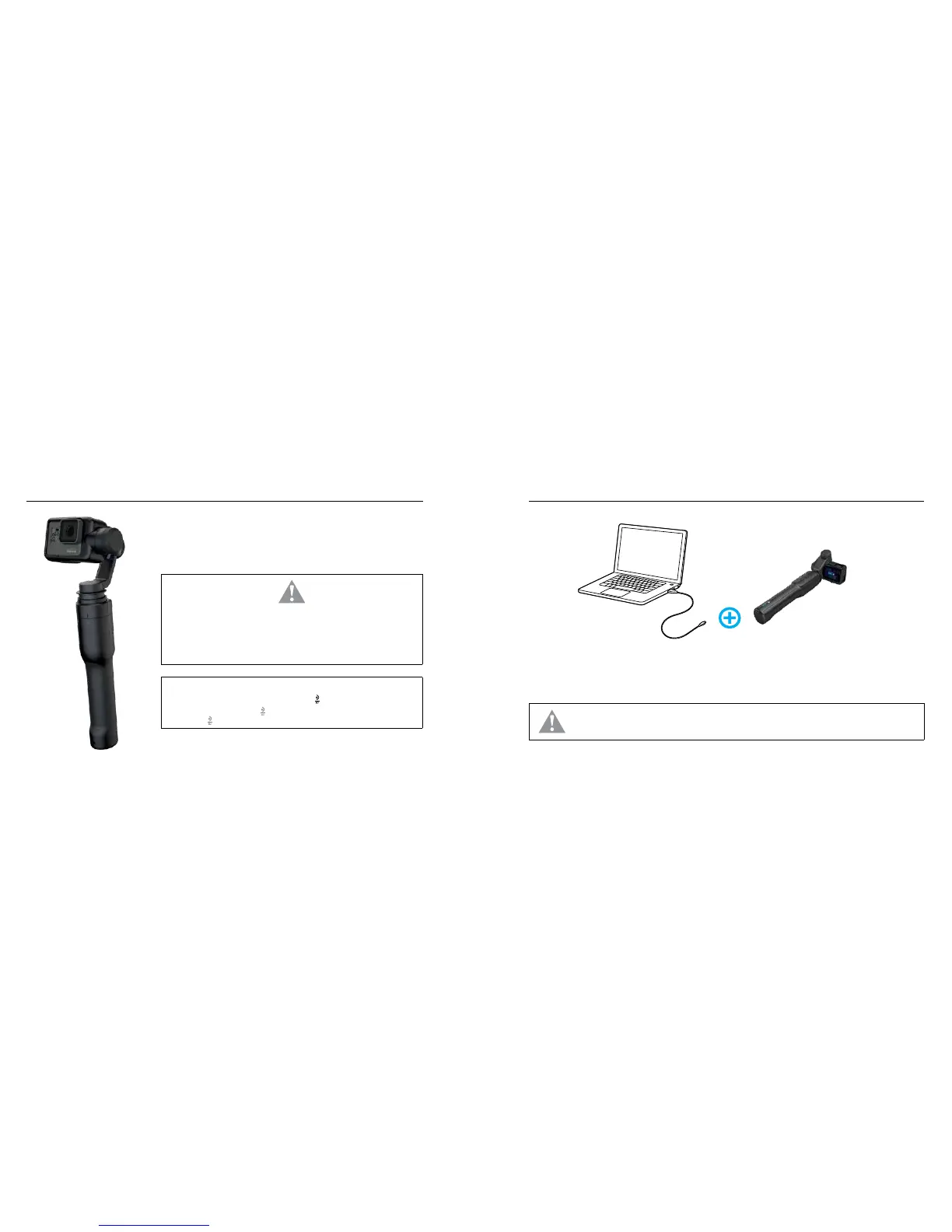
Open the harness and insert a camera.
打开固定束带并装入摄像机。/ 解開束帶並裝入相機。
WARNING: Karma Grip is a sensitive instrument.To prevent damage, do not expose Karma Grip
to liquids, submerge in water, or subject to vibrations or shaking.
警告:Karma Grip 是灵敏仪器。为避免造成损坏,请不要让 Karma Grip 接触液体、浸入水中或被
震动或摇动。/ 警告:Karma Grip 是一款高敏感度的儀器。為了防止 Karma Grip 受損,請勿接觸
液體、浸入水中,並應避免震動、搖晃。
PRO TIP / 专业小贴士 / 專業提示
When the grip is powered off, press the Tilt Lock button [
] to see the battery status.
把手电源关闭时,按旋转轮锁按钮 [
] 以查看电池状态。/ 專業提示關閉握把電源時,按下
傾斜鎖定按鈕 [
] 便可查看電池狀態。
STEP 1: ASSEMBLE / 组装 / 組裝 STEP 2: CHARGE / 充电 / 充電
WARNING: To prevent damage to the stabilizer, charge Karma Grip through the handle with the included USB-C cable.Stabilizer cannot
be charged directly. / 警告:为避免损坏稳定器,请使用随附的 USB-C 线通过手柄为 Karma Grip 充电。稳定器不能直接充电。/
警告:為了防止穩定器受損,請經由握把並使用隨附的 USB-C 傳輸線為 Karma Grip 充電。
Charge the battery. The battery status lights indicate the charge level.
为电池充电。电池状态指示灯表示充电量。/ 為電池充電。電力狀態指示燈會顯示充電程度。



 To Next Page